When you’re starting a freelance business, there are plenty of expenses to think about before you make your first dollar.
Website hosting, software subscriptions, marketing, business tools, and potentially accounting services can quickly add up. That’s one reason free business software can be particularly attractive to new freelancers.
Wave has built its reputation around this idea.
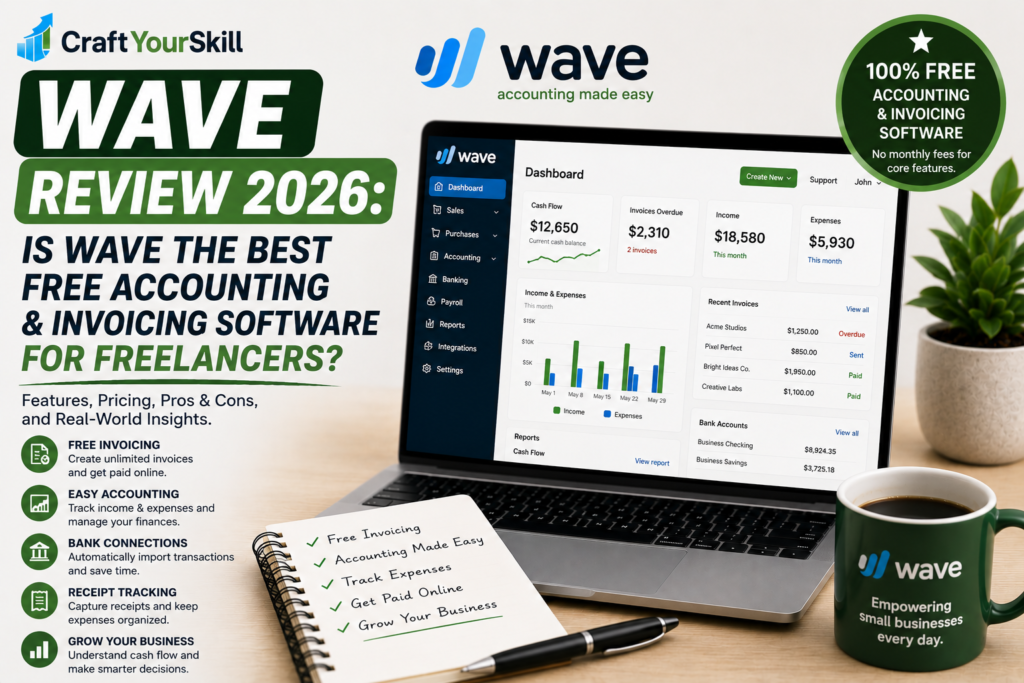
The platform offers free accounting and invoicing tools that allow freelancers and small business owners to create invoices, estimates, manage bookkeeping records, and monitor their finances without paying a monthly subscription for the core features. Wave also offers a paid Pro plan with additional automation, bank connections, receipt tracking, and other features.
But “free” doesn’t necessarily mean “best.”
Wave is primarily an accounting and financial-management platform, which makes it quite different from tools such as Bonsai and HoneyBook. Those platforms focus heavily on the client relationship and project workflow, while Wave is more concerned with what happens to your business finances.
So, is Wave actually a good choice for freelancers in 2026?
Let’s take a closer look.
What Is Wave?
Wave is an online accounting and invoicing platform designed primarily for small businesses, entrepreneurs, contractors, and freelancers.
Its core features include:
- Invoicing
- Estimates
- Accounting
- Income and expense tracking
- Cash-flow management
- Customer management
- Online payments
- Receipt management
- Payroll through a paid add-on
- Mobile invoicing
Wave specifically markets its accounting software toward freelancers, highlighting its ability to manage invoices, income, expenses, payments, and cash flow from one dashboard.
The biggest attraction is that the basic accounting and invoicing functionality is available for $0.
That makes Wave particularly interesting for someone who is just starting freelancing and doesn’t want another monthly subscription.
Wave Pricing in 2026
Wave currently has two main software plans:
Starter — $0
Pro — $19/month or $190/year
For Canadian customers, Wave currently lists Pro at $25 CAD/month or $250 CAD/year.
The free Starter plan includes unlimited estimates, invoices, bills, and bookkeeping records, as well as mobile invoicing and a dashboard for managing cash flow and customers.
The Pro plan adds features such as:
- Automatic bank transaction imports
- Automatic transaction categorization
- Unlimited receipt capture
- Expense tracking
- Automated late-payment reminders
- Additional payment benefits
- Unlimited user access
- Live-person chat and email support
This pricing structure is one of Wave’s biggest advantages.
You can start with the free plan and only upgrade when your business needs more automation.
Is Wave Really Free?
Yes, but there is an important distinction.
Wave’s accounting and invoicing features are free. The company makes money from optional services such as payment processing, payroll, and bookkeeping services.
So you don’t need a subscription simply to create invoices or maintain basic bookkeeping records.
However, if you want clients to pay you directly through Wave’s online payment system, transaction fees apply.
For example, Wave currently lists credit-card processing on the Starter plan at 2.9% + $0.60 per transaction, while Amex transactions are listed at 3.4% + $0.60. Bank payments are listed at 1% per transaction, with a $1 minimum fee.
The Pro plan provides discounted payment processing rates, although standard processing rates can apply after the first 10 eligible card transactions in a monthly period.
So the software itself can genuinely be free, but payment processing is not.
Wave Invoicing
Invoicing is probably the feature that will interest most freelancers.
Wave lets you create professional invoices, customize them with your business branding, send them to clients, and accept online payments.
The platform also allows you to create recurring invoices, which can be useful if you work with clients on monthly retainers.
For example, a freelance SEO specialist charging a client $1,000 every month could create a recurring invoice rather than manually preparing a new invoice each month.
Wave also lets you customize invoices with your logo and colors, which helps them look more professional than a basic spreadsheet or text document.
For a beginner freelancer, this is more than enough for basic client billing.
Creating Estimates
Wave isn’t limited to invoices.
You can also create estimates for potential clients and, once a client accepts the work, turn those estimates into invoices.
This creates a simple workflow:
Estimate → Client approval → Invoice → Payment
Wave specifically highlights the ability to convert estimates into invoices.
This is useful for freelancers who quote projects before beginning work.
For example, a freelance designer could send a $2,000 estimate for a branding project. Once the client accepts it, the freelancer can move forward with the corresponding invoice rather than starting the billing process from scratch.
Wave Accounting
This is where Wave differs from many of the other tools we’ve covered in this invoicing cluster.
Bonsai and HoneyBook are primarily focused on managing clients and projects.
Wave is much more focused on financial records.
The platform allows you to organize income, expenses, payments, invoices, and accounting records from the same dashboard.
For freelancers, this can be useful because accounting tends to become more complicated as income grows.
You may start with:
“I just need to send invoices.”
Eventually, you also need to know:
“How much did I earn?”
“How much did I spend?”
“Which invoices are outstanding?”
“How much money came in this month?”
“What are my business expenses?”
Wave is designed to help answer those questions.
Bank Connections
One of the more important differences between Wave’s free and paid plans is bank connectivity.
The Pro plan includes automatic bank transaction imports, along with automatic merging and categorization of bank transactions.
This can significantly reduce manual bookkeeping.
Instead of entering every transaction yourself, connected bank activity can flow into Wave, where you can review and categorize it.
For a freelancer with only a handful of monthly transactions, manual entry may not be a major problem.
For someone with hundreds of transactions, automation becomes considerably more valuable.
That’s why the free plan may be sufficient when you’re starting out, while Pro becomes more attractive as your business grows.
Expense Tracking and Receipts
Tracking business expenses is an important part of freelance bookkeeping.
Wave’s Pro plan includes digital receipt capture and expense tracking. The platform can capture receipts through its mobile app, desktop, or email, and its receipt functionality uses OCR to turn receipt information into bookkeeping records.
This can save time when you’re dealing with lots of small business expenses.
Imagine you’re traveling for a client project and have expenses for transportation, meals, parking, or supplies.
Instead of keeping a folder full of paper receipts and entering everything manually at the end of the month, you can capture the receipts digitally.
For freelancers who want to keep their bookkeeping organized throughout the year, this is a useful feature.
Cash-Flow Management
Wave also provides a dashboard designed to help freelancers understand their financial position.
The platform brings together income, expenses, payments, invoices, and other financial information so that you can get an overview of the business without manually combining numbers from different spreadsheets.
This is particularly useful for freelancers because revenue can be inconsistent.
A freelancer might earn $7,000 one month and $3,000 the next.
Looking only at the balance in your bank account doesn’t necessarily tell you how healthy the business is.
Being able to look at income, outstanding invoices, and expenses together provides a more useful picture.
Late Payment Reminders
Late invoices are one of the less enjoyable parts of freelancing.
Wave’s Pro plan includes automated late-payment reminders, which can automatically send reminders after an invoice becomes overdue.
This may seem like a small feature, but it can remove an awkward administrative task.
Instead of repeatedly writing:
“Hi, just following up on the invoice…”
you can let the software handle the initial reminders.
That doesn’t eliminate the need for direct communication with a client who consistently doesn’t pay, but it can reduce the amount of manual follow-up.
Wave Mobile App
Wave also has a mobile app that allows freelancers to manage invoices and payments while away from a computer.
This is particularly useful for freelancers who work from different locations or need to send an invoice immediately after completing a job.
Wave’s mobile functionality is more focused on practical financial tasks than trying to reproduce every desktop feature.
For most freelancers, that’s probably enough.
Online Payments
Wave allows freelancers to accept payments directly through their invoices.
Clients can pay using supported online payment methods, including credit cards and bank payments.
The advantage is convenience.
A client who receives an invoice can pay without requiring you to manually provide separate bank details or payment instructions.
The disadvantage is that payment processing fees apply.
This means freelancers should consider their payment volume before deciding whether to use Wave’s payment processing.
If you send $1,000 in invoices and receive payment through a card, the processing cost is relatively manageable.
If you’re processing tens of thousands of dollars every month, transaction fees become a more meaningful business expense.
Wave Payroll
Wave also offers payroll as an optional paid service.
This is less important for a solo freelancer, but it becomes relevant if you eventually hire employees or need more structured payroll management.
The current pricing page lists payroll as an optional add-on, with pricing starting at $25/month depending on location and configuration.
For someone operating as a one-person freelance business, this probably isn’t a reason to choose Wave.
But it does give the platform some room to grow with a small business.
Wave Advisors
If you eventually decide that you don’t want to handle all of your bookkeeping yourself, Wave also offers Wave Advisors.
This service provides access to bookkeeping professionals who can help maintain financial records, prepare monthly financial statements, and answer bookkeeping questions.
The service starts at a considerably higher price than Wave’s software plans, so it isn’t aimed at beginners looking for free accounting software.
Still, it’s useful to know that Wave can extend beyond software if your bookkeeping needs become more complex.
Wave Security
Financial software naturally raises questions about security.
Wave states that connections between bank accounts and its platform are protected with 256-bit SSL encryption and that it is a PCI-DSS Level 1 Service Provider.
That doesn’t mean freelancers should stop following basic security practices.
Use a strong password, enable available account-security measures, and be careful about who you give access to your financial information.
But from a platform perspective, Wave is designed to handle financial data using standard security protections.
Is Wave Easy to Use?
One of Wave’s strongest selling points is simplicity.
The platform is designed for small businesses rather than professional accountants, and its dashboard brings common financial tasks together in one place.
A freelancer can create an invoice without understanding complicated accounting software.
At the same time, there is a learning curve once you start using the more advanced bookkeeping features.
Understanding categories, transactions, reconciliations, and financial reports requires some accounting knowledge regardless of which platform you use.
Wave makes those processes more accessible, but it doesn’t eliminate the underlying complexity of accounting.
That distinction is important.
Wave can make bookkeeping easier. It doesn’t make accounting knowledge unnecessary.
Wave Pros and Cons
Pros
Free core accounting and invoicing: The Starter plan costs nothing and includes unlimited invoices, estimates, bills, and bookkeeping records.
Good for freelancers: Wave specifically offers accounting and invoicing tools designed around freelance businesses.
Professional invoices: You can customize invoices with your branding and send them directly to clients.
Accounting and invoicing together: You don’t need separate software just to maintain basic financial records.
Mobile invoicing: You can manage invoices and payments while away from your computer.
Recurring invoices: Useful for freelancers with monthly retainers.
Affordable Pro plan: $19/month or $190/year in the U.S. provides considerably more automation and financial-management functionality.
No forced subscription for basic use: You can continue using the Starter plan without paying a monthly software fee.
Cons
Payment processing isn’t free: Online payments incur transaction fees.
Advanced bookkeeping requires Pro: Automatic bank imports, receipt capture, transaction categorization, and automated reminders are among the features reserved for the paid plan.
Less focused on client management: Wave doesn’t provide the same proposal, contract, or client-workflow experience as HoneyBook or Bonsai.
Can require accounting knowledge: The platform simplifies bookkeeping, but financial reporting can still be confusing for complete beginners.
Limited fit for complex businesses: Businesses with advanced accounting, inventory, international operations, or more complicated financial structures may eventually outgrow it.
Who Is Wave Best For?
Wave is particularly well suited to freelancers who want affordable accounting and invoicing software without paying for features they don’t need.
That includes:
- Freelance writers
- Graphic designers
- Web developers
- Virtual assistants
- Consultants
- Marketing freelancers
- Photographers
- Coaches
- Independent contractors
It is especially attractive if you’re just starting.
Imagine you have your first few freelance clients and don’t yet have a large software budget.
You need professional invoices, estimates, basic bookkeeping, and a way to monitor income and expenses.
Wave’s free Starter plan can cover those core requirements.
You can then move to Pro once you need automated bank connections, receipt management, and more advanced bookkeeping features.
Who Should Probably Avoid Wave?
Wave isn’t necessarily the best choice for every freelancer.
If your main problem is client management, you may prefer HoneyBook or Bonsai.
If you need sophisticated project management and time tracking, another platform may make more sense.
And if your business has complex accounting requirements, you may eventually need a more comprehensive accounting platform or professional accountant.
Wave is strongest when your needs are relatively straightforward:
income + expenses + invoices + payments + basic bookkeeping.
The more specialized your requirements become, the more likely you are to need another solution.
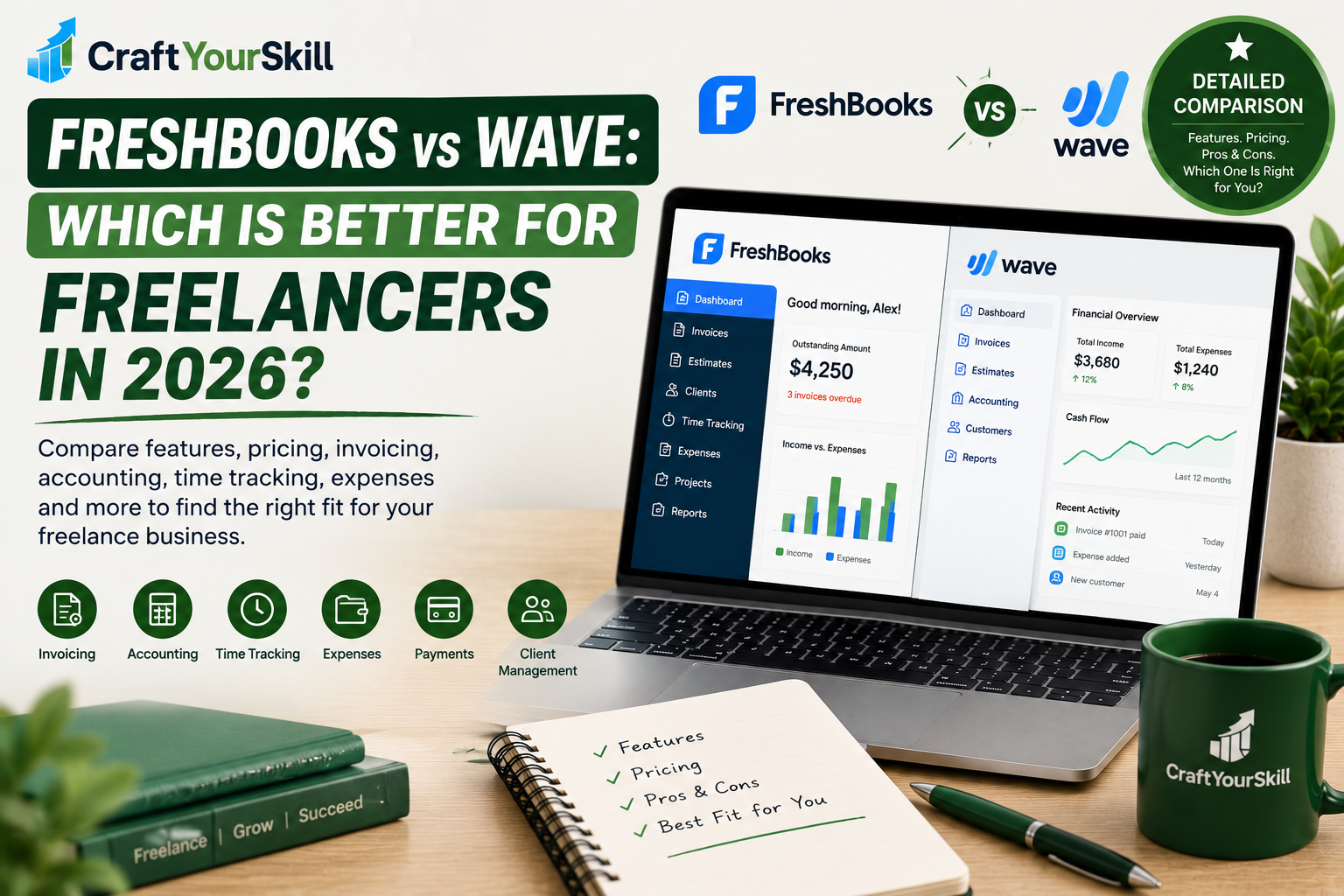
Wave vs FreshBooks
Wave and FreshBooks are natural competitors because both offer accounting, invoicing, payments, and expense-management features.
The biggest difference is pricing.
Wave’s Starter plan is free, while FreshBooks is a paid subscription product.
That makes Wave particularly attractive to freelancers who are price-sensitive.
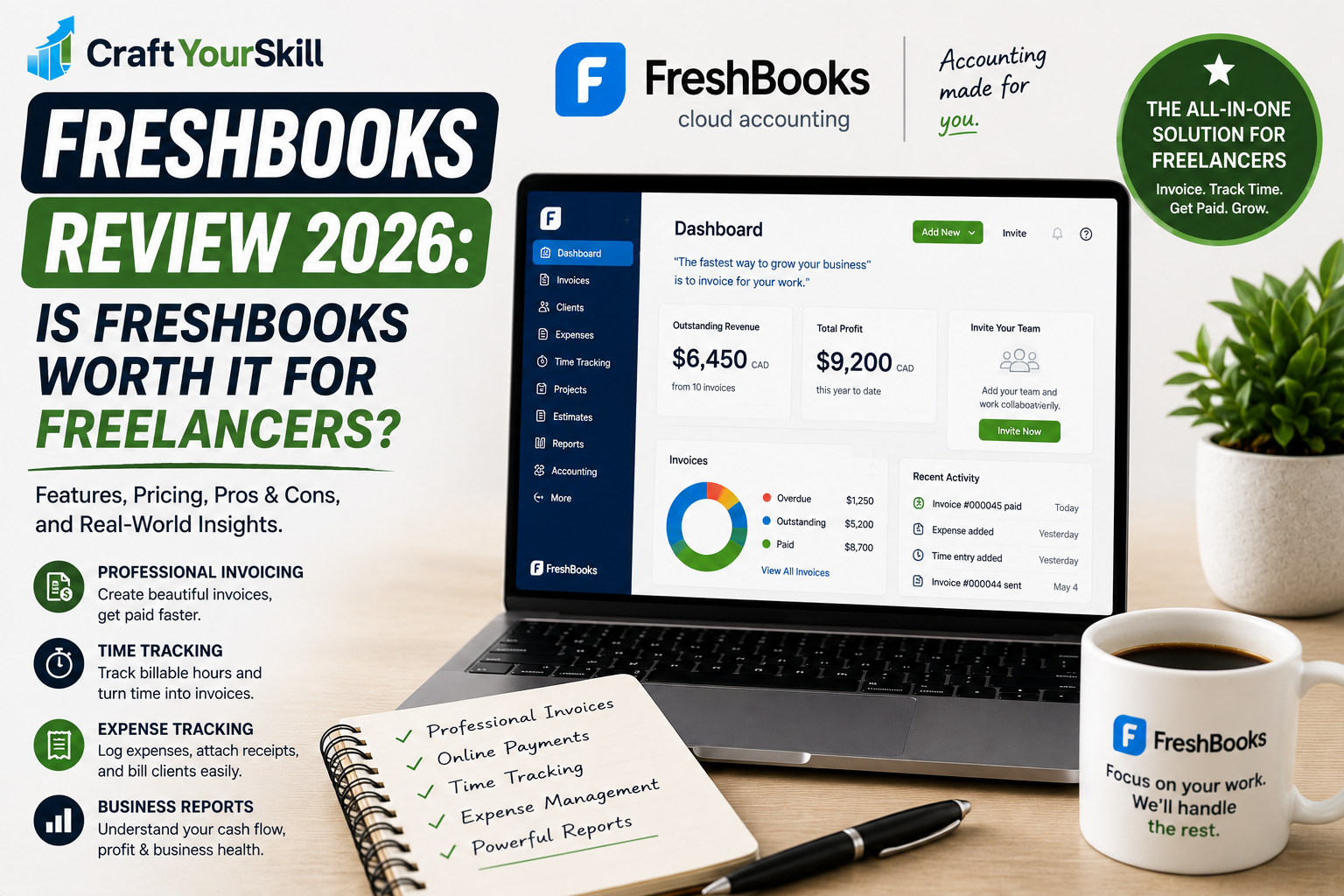
FreshBooks, on the other hand, has built a strong reputation around invoicing, time tracking, expenses, accounting, and client-facing financial workflows.
So the choice comes down to priorities.
Choose Wave if keeping software costs low is important and your accounting needs are straightforward.
Choose FreshBooks if you’re willing to pay for a more established paid accounting and invoicing workflow with additional features suited to your business.
For a freelancer just getting started, Wave’s free entry point is difficult to ignore.
Wave vs Bonsai
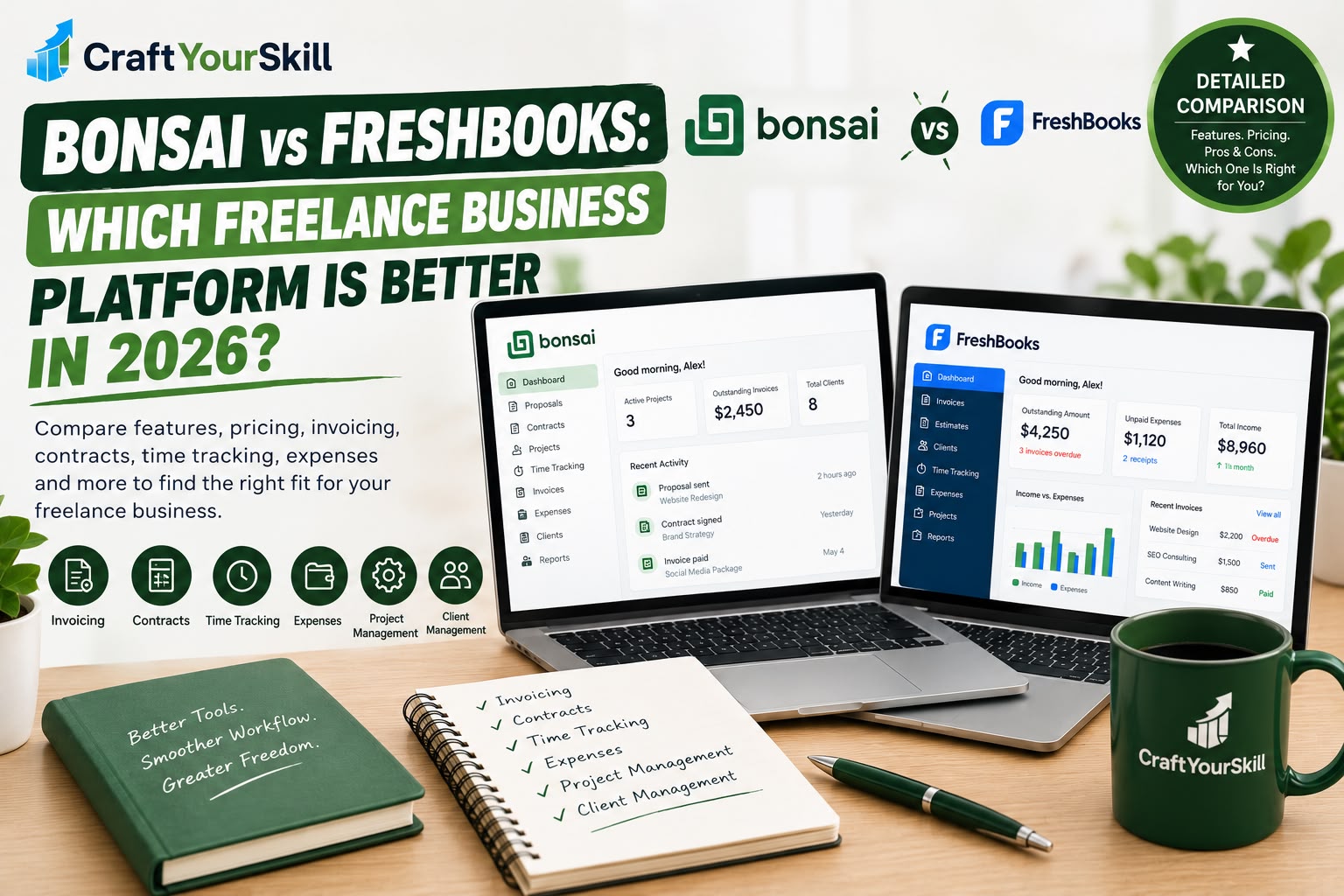
Wave and Bonsai solve different problems.
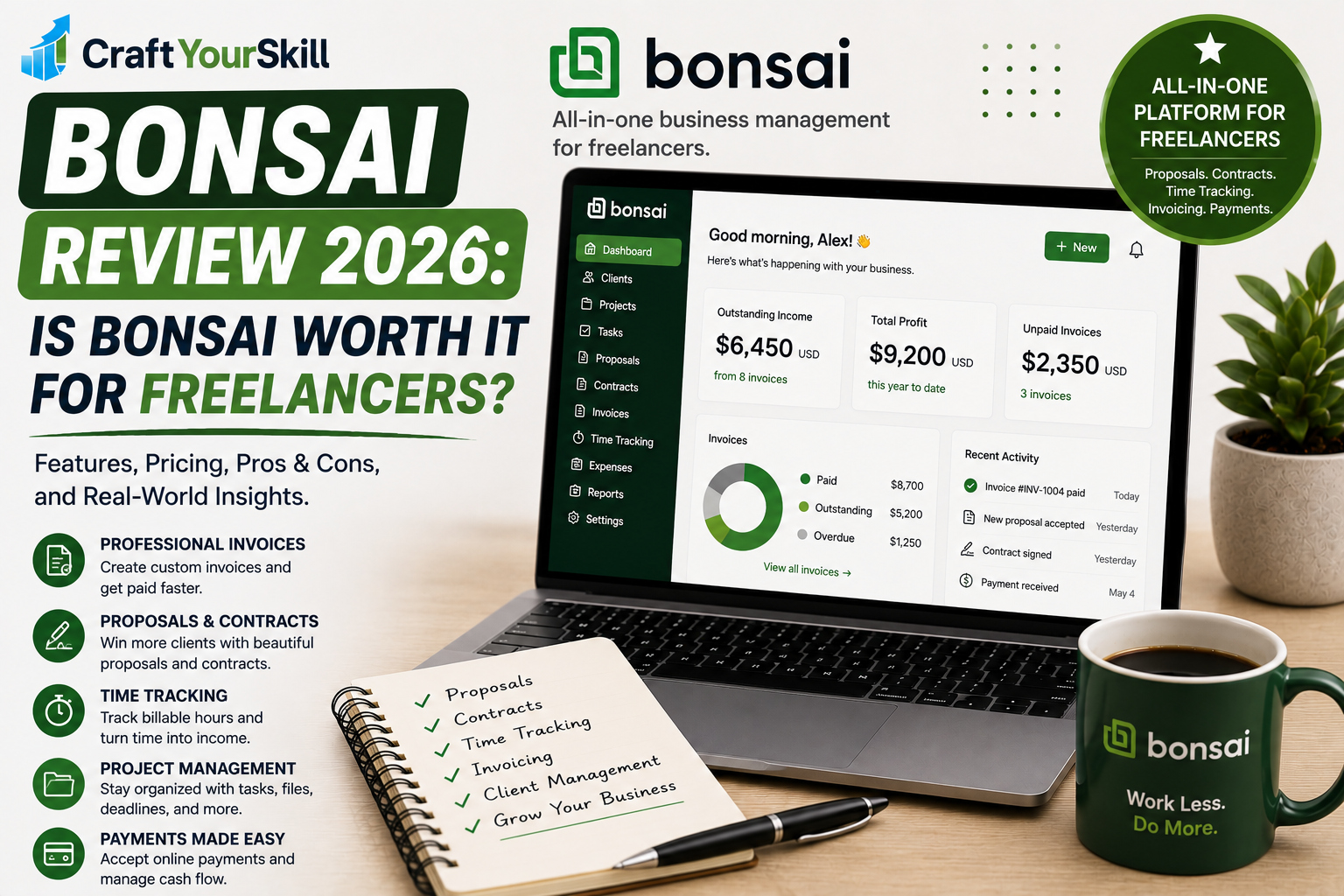
Bonsai is designed around the freelance client lifecycle.
You can manage proposals, contracts, projects, time tracking, invoices, and clients.
Wave is much more focused on the financial side of the business.
If you need to send a proposal and contract before starting a project, Bonsai is likely the better fit.
If you already have a system for acquiring and managing clients but need an affordable way to handle invoices and bookkeeping, Wave can be the better choice.
This is one reason we shouldn’t treat all “invoicing software” as interchangeable.
The right choice depends on where the biggest administrative problem exists in your business.
Wave vs HoneyBook
HoneyBook is another useful comparison.
HoneyBook focuses heavily on the client experience, including inquiries, proposals, contracts, payments, scheduling, automation, and client portals.
Wave focuses much more heavily on accounting and financial management.
So:
HoneyBook = client workflow
Wave = financial workflow
A freelance photographer who wants to manage inquiries, contracts, booking, payments, and client communication might prefer HoneyBook.
A freelance writer who already has clients and simply needs free invoicing and bookkeeping may have little reason to pay for HoneyBook when Wave can handle the financial side for free.
Is Wave Worth It for Freelancers in 2026?
For many freelancers, yes: particularly if you want free accounting and invoicing software.
Wave’s biggest advantage is simple:
You can start managing invoices and basic bookkeeping without adding another monthly software bill.
The free Starter plan provides unlimited estimates, invoices, bills, and bookkeeping records, which is more than enough for many early-stage freelancers.
As your business grows, the Pro plan adds features that can reduce manual bookkeeping, including automatic bank imports, transaction categorization, receipt capture, expense tracking, and automated payment reminders.
The main limitation is that Wave isn’t designed to be an all-in-one freelance business platform.
If you want proposals, contracts, project management, scheduling, and sophisticated client management, you’ll probably need another tool.
But if your priority is:
“I want to invoice clients, track my money, and keep my bookkeeping organized without paying a monthly subscription,”
Wave is one of the strongest options to consider.
Wave Review: Conclusion
Wave is one of the best options for freelancers who want basic accounting and invoicing without a monthly software subscription.
Its free Starter plan is genuinely useful rather than being an extremely limited trial, while the Pro plan provides a reasonable upgrade path for freelancers who need more automation and financial management.
The biggest reason not to choose Wave is if your needs go beyond accounting and invoicing.
It isn’t the strongest platform for managing the entire client journey. For proposals, contracts, project management, and client workflows, tools such as Bonsai and HoneyBook are better suited.
But when the goal is straightforward financial management, Wave is difficult to overlook — especially at $0 for its core Starter plan.
Rating: 4.5/5
Best for: Freelancers and small businesses looking for affordable accounting, invoicing, estimates, and basic financial management.
Not ideal for: Freelancers who need advanced project management, proposals, contracts, or a comprehensive client-management system.