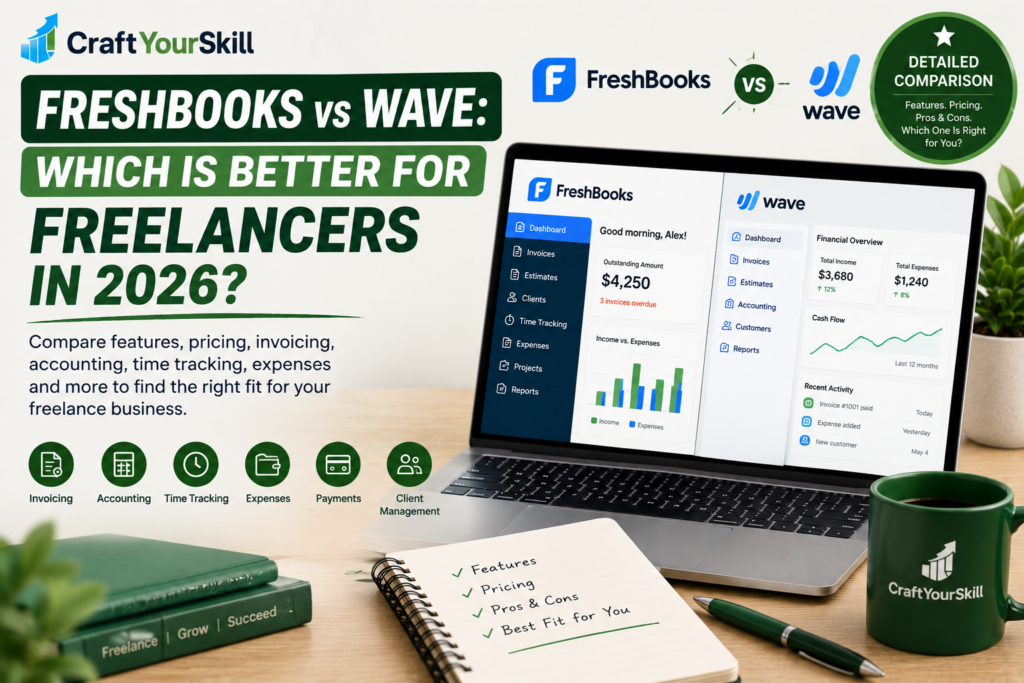
Choosing accounting and invoicing software can be surprisingly difficult when you’re a freelancer.
You don’t necessarily need the same tools as a large company. You may simply want to send professional invoices, keep track of expenses, accept payments, monitor income, and stay organized when tax time arrives.
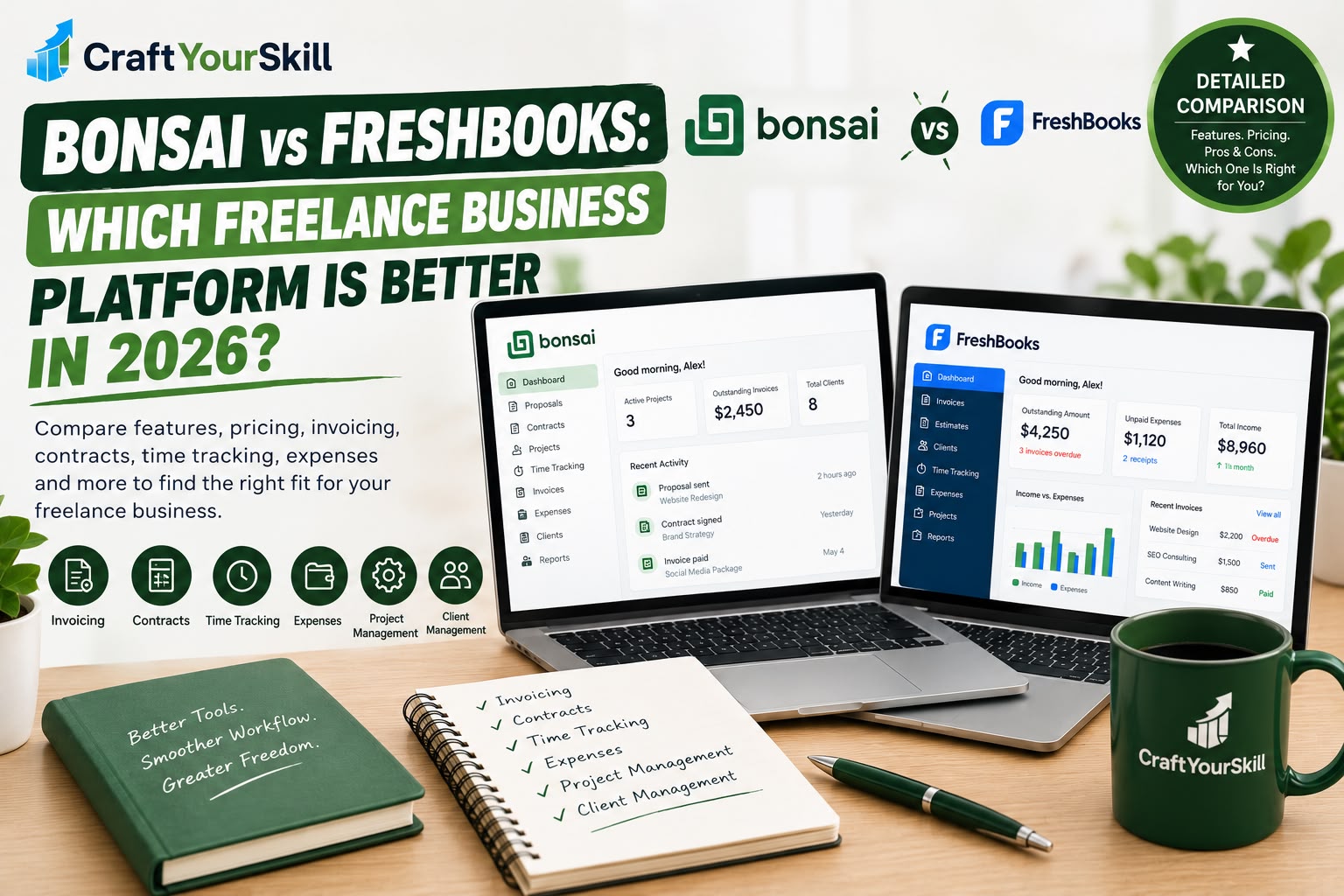
That’s why FreshBooks and Wave are two names freelancers frequently come across.
Both platforms combine invoicing with financial-management tools, but they take somewhat different approaches.
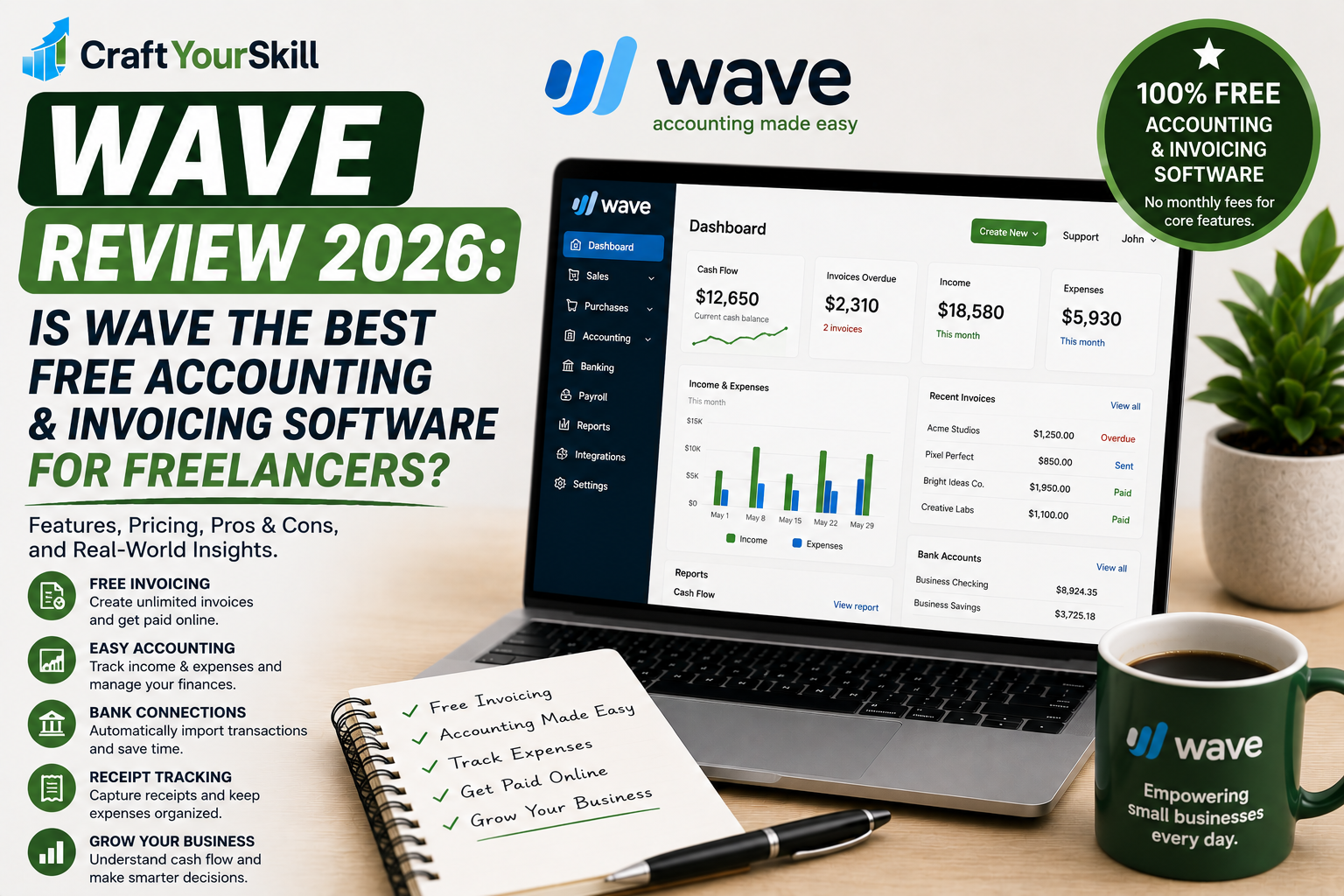
FreshBooks is a paid accounting and invoicing platform with plans built around freelancers, solopreneurs, and small businesses. Wave, meanwhile, offers a free Starter plan with unlimited invoices and basic bookkeeping, alongside a paid Pro plan that adds automation such as bank imports and receipt scanning.
So which one should you choose?
There isn’t one answer that applies to every freelancer.
The better choice depends on whether your priority is keeping costs at zero, accounting automation, time tracking, project management, client management, or having a broader business-finance platform.
Let’s compare FreshBooks and Wave feature by feature.
FreshBooks vs Wave at a Glance
| Feature | FreshBooks | Wave |
| Free plan | No, 30-day trial | Yes |
| Paid plans | Yes | Yes |
| Professional invoicing | Yes | Yes |
| Estimates | Yes | Yes |
| Recurring invoices | Yes | Yes |
| Time tracking | Yes | Not positioned as a core feature |
| Project management | Yes | Limited |
| Expense tracking | Yes | Yes |
| Bank transaction imports | Yes, depending on plan | Pro |
| Receipt scanning | Paid plans | Pro |
| Accounting reports | Yes | Yes |
| Online payments | Yes | Yes |
| Mobile app | Yes | Yes |
| Client management | Strong | Basic |
| Payroll | Available as an add-on in supported markets | Available as an add-on |
| Best suited to | Freelancers and growing small businesses | Small businesses wanting low-cost bookkeeping and invoicing |
FreshBooks currently offers plans ranging from Lite through Premium and Select, while Wave has a free Starter plan and a paid Pro plan.
The important point is that the platforms aren’t simply competing on price.
They’re solving slightly different problems.
What Is FreshBooks?
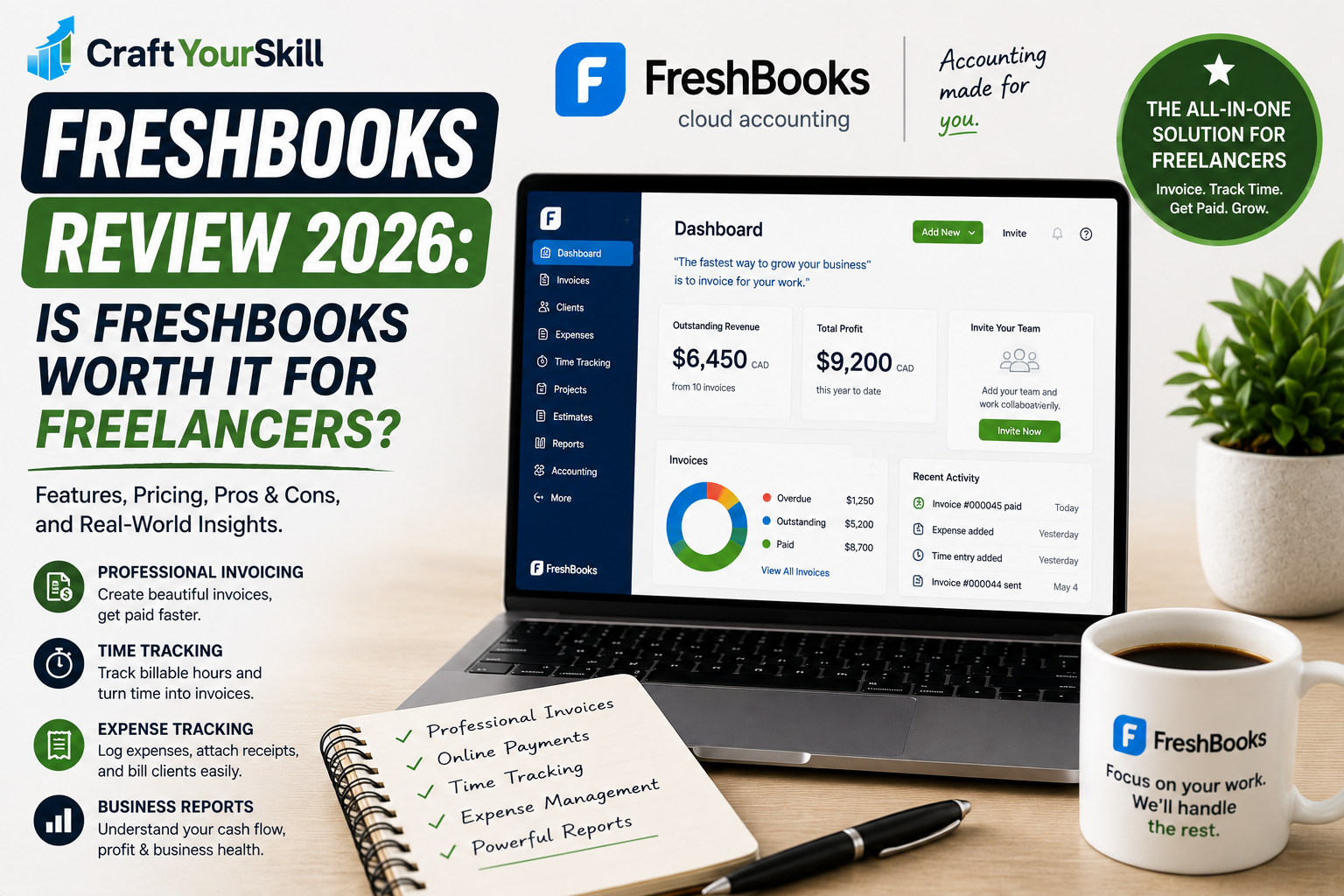
FreshBooks is cloud-based accounting and invoicing software designed primarily for small businesses, freelancers, and service-based businesses.
It combines several functions that freelancers often need:
- Invoicing
- Payments
- Estimates
- Proposals
- Time tracking
- Expense tracking
- Accounting
- Financial reporting
- Project management
- Client management
- Mileage tracking
- Recurring billing
FreshBooks describes its platform as an all-in-one solution for small businesses, with specific workflows for freelancers and solopreneurs.
One of its major strengths is that it doesn’t stop at creating invoices.
You can track the work that goes into a project, record expenses, bill clients, accept payments, and use accounting reports to understand the financial side of the business.
That makes FreshBooks particularly relevant as a freelance business becomes more established.
What Is Wave?
Wave is also cloud-based accounting software aimed at small businesses.
Its biggest selling point is its free Starter plan.
Wave currently allows users on the Starter plan to create unlimited estimates, invoices, bills, and bookkeeping records at no monthly software cost.
The platform also includes:
- Invoicing
- Estimates
- Basic bookkeeping
- Cash-flow management
- Customer management
- Online payments
- Mobile invoicing
Wave’s paid Pro plan adds features such as automatic bank transaction imports, transaction categorization, unlimited receipt capture, additional users, and automated late-payment reminders.
That creates an interesting model for freelancers:
Start free → use the basic tools → upgrade when you need automation.
FreshBooks vs Wave Pricing in 2026
Pricing is probably the biggest difference between these two platforms.
FreshBooks pricing
FreshBooks currently lists:
- Lite: $1/month for the first year under its current promotion; regular listed price $23/month
- Plus: $8.60/month under the current promotion; regular listed price $43/month
- Premium: $14/month under the current promotion; regular listed price $70/month
- Select: Custom pricing
FreshBooks also offers a 30-day free trial.
The promotional pricing is worth treating separately from the normal subscription price because offers can change.
FreshBooks also limits the number of billable clients depending on the plan.
The current plans list five clients for Lite, 50 for Plus, and unlimited clients for Premium and Select.
Wave Pricing
Wave takes a very different approach.
Its Starter plan costs $0.
It includes unlimited estimates, invoices, bills, bookkeeping records, mobile invoicing, and cash-flow/customer management.
Wave’s current Pro pricing is:
- $19 USD/month
- $25 CAD/month
- $190 USD/year
- $250 CAD/year
The paid Pro plan adds automated bank imports, automatic transaction merging and categorization, receipt capture, additional users, and other features.
For Canadian freelancers, the Canadian pricing is particularly useful because Wave currently lists the Pro subscription directly in CAD.
FreshBooks vs Wave: Which Has the Better Free Option?
This comparison is relatively straightforward.
Wave has the more substantial free plan.
FreshBooks provides a 30-day free trial, but you’ll need to move to a paid subscription afterward if you want to continue using the platform.
Wave’s Starter plan is free on an ongoing basis.
For a freelancer who is just starting and doesn’t want another monthly business expense, this can be an important consideration.
However, free doesn’t necessarily mean you’ll get every feature for free.
For example, Wave’s automated bank connections and receipt scanning are part of Pro rather than the free Starter plan.
So it’s worth looking beyond the headline “$0.”
Invoicing: FreshBooks vs Wave
Both platforms handle basic invoicing well.
With FreshBooks, you can create customized invoices, add tracked time and expenses, calculate taxes, configure payment options, and automate recurring invoices and payment reminders.
Wave also provides unlimited invoicing on its Starter plan, along with estimates and mobile invoicing.
This means a freelancer sending a handful of invoices each month can use either platform successfully.
The difference becomes more noticeable when you need invoicing connected to other parts of your business.
FreshBooks can automatically incorporate tracked time and expenses into invoices, and its higher plans add proposals, retainers, project budgeting, and other client-billing capabilities.
Wave’s invoicing experience is more closely connected to its bookkeeping and cash-flow tools.
Time Tracking
Time tracking is an important feature for freelancers who bill hourly.
FreshBooks offers unlimited time tracking across its listed plans and allows tracked time to be connected to client billing.
This creates a convenient workflow:
Track time → Review billable hours → Add time to invoice → Send invoice
For example, suppose you’re a freelance SEO consultant charging $75 per hour.
You work:
- 4 hours on technical SEO
- 3 hours on keyword research
- 2 hours on reporting
Instead of manually calculating the invoice, your tracked hours can form part of the billing workflow.
This is one of the areas where FreshBooks has a particularly clear advantage for hourly freelancers.
Wave’s current product positioning focuses more heavily on invoicing, bookkeeping, expenses, cash flow, and payments rather than integrated billable-time tracking. FreshBooks itself lists billable hours and team timesheets as features that distinguish it from Wave.
Expense Tracking
Both platforms can help freelancers track expenses.
FreshBooks includes expense tracking across its plans and offers bank imports, receipt scanning, and expense categorization on applicable plans.
Wave also allows bookkeeping records and expense management, with automated bank imports and digital receipt capture available through Pro.
For example, imagine you’re a freelance photographer.
You might need to record:
- Software subscriptions
- Camera equipment
- Travel
- Parking
- Office supplies
- Client-related purchases
Both platforms can help keep those expenses organized.
The difference is primarily in how much automation and accounting functionality you need.
Receipt Scanning
Receipt scanning is increasingly useful for freelancers because manually entering every expense can become tedious.
FreshBooks offers receipt scanning on its Plus and Premium plans, with more advanced receipt functionality on higher plans.
Wave includes digital receipt capture in its Pro plan. Wave says the feature uses OCR technology to turn uploaded receipts into bookkeeping records.
This means both platforms can reduce manual data entry, but neither makes receipt automation part of its most basic free offering.
Accounting Features
This is where the comparison becomes more interesting.
FreshBooks has developed into a broader accounting platform.
Its current product includes double-entry accounting reports, bank reconciliation, accountant access, financial reports, and other accounting functions depending on the plan.
Wave also provides accounting and bookkeeping functionality.
Its accounting tools include financial reports such as profit and loss, balance sheet, and cash-flow reporting.
For a freelancer who mainly wants basic bookkeeping, either can work.
But the structure is different.
FreshBooks tends to build the accounting workflow around clients, projects, time, expenses, and billing.
Wave puts more emphasis on bookkeeping, transactions, cash flow, and accounting records.
That distinction can matter depending on how you operate your business.
Bank Connections
Automated bank imports can save a significant amount of bookkeeping time.
FreshBooks offers automated bank import functionality as part of its accounting features, with availability depending on the plan.
Wave currently includes automatic bank transaction imports in Pro.
Wave says bank connections are facilitated by Plaid and that supported financial institutions can vary.
For someone who wants completely free bookkeeping, this creates an important distinction.
Wave Starter is free, but automated bank connections require Pro.
So if bank automation is essential to your workflow, you should include the Pro subscription when calculating the actual cost of Wave.
Estimates and Proposals
Freelancers often need to send something to a client before they can send an invoice.
FreshBooks supports estimates and, on higher plans, proposals and retainers.
Wave also includes estimates in its Starter plan.
This makes Wave perfectly suitable for a freelancer who simply needs to provide a quote before starting a project.
FreshBooks goes further if you want the proposal and client-billing process integrated into one platform.
That’s particularly relevant for consultants, agencies, designers, and other service businesses where the sales process is an important part of the workflow.
Project Management
FreshBooks includes project-related functionality.
Depending on the plan, you can manage project budgets and billing, track time, monitor expenses, and analyze project profitability.
Wave isn’t positioned as a project-management platform.
Its focus is financial administration.
This means a freelancer who manages several ongoing projects and wants project profitability information may find FreshBooks more useful.
On the other hand, if you already use another project-management tool such as Notion, Trello, ClickUp, or Asana, you may not need your accounting platform to duplicate those functions.
Payments
Both FreshBooks and Wave allow freelancers to accept online payments.
FreshBooks supports credit and debit cards, ACH bank transfers in supported markets, Apple Pay, Google Pay, and other payment methods depending on configuration.
Wave also supports online payments.
Its current listed Starter rates include:
- 2.9% + $0.60 for credit-card transactions
- 3.4% + $0.60 for Amex
Wave Pro offers discounted card rates in the circumstances specified by its current pricing.
Payment processing fees are separate from the software subscription.
That’s important because a free invoicing platform can still generate transaction costs when clients pay online.
Recurring Invoices
Recurring billing is useful if you have clients who pay you monthly.
For example:
Monthly SEO retainer: $1,000
Instead of manually creating the same invoice every month, you can automate the process.
FreshBooks supports automated recurring invoices and late-payment reminders.
Wave also supports recurring billing, with automated recurring invoices and related payment features included in its Pro offering.
If recurring billing is central to your business, check the exact plan requirements before signing up.
Payment Reminders
Late invoices are an unfortunate part of freelancing.
FreshBooks offers automated late-payment reminders and scheduled late fees.
Wave includes automated late-payment reminders in Pro.
This can make a real difference for freelancers who don’t want to spend time manually following up with every client.
The software can handle routine reminders while you step in personally when a payment requires a more direct conversation.
Mobile Apps
Both platforms provide mobile access.
FreshBooks offers mobile functionality for managing business finances while away from your computer. Its platform includes mobile capabilities for areas such as expenses, mileage, and business management.
Wave also provides a mobile app that supports invoicing and payments.
If you frequently work from different locations, mobile access is useful for creating an invoice immediately after completing a project or checking whether a client has paid.
Ease of Use
Ease of use is one of the reasons both platforms appeal to freelancers.
FreshBooks specifically positions itself as accounting software that doesn’t require an accounting degree and emphasizes usability for small businesses.
Wave also focuses on simple accounting and bookkeeping for small businesses.
The difference is that FreshBooks can become considerably more feature-rich as your business grows.
That can be useful, but it also means there are more settings and workflows to learn.
Wave’s Starter experience is relatively straightforward if your needs are basic.
FreshBooks vs Wave for Beginners
If you’re completely new to freelancing, your requirements might be relatively simple.
You may only need:
- Invoices
- Estimates
- Expense tracking
- Payment tracking
- Basic reports
Wave’s free Starter plan covers many of these basics.
That makes it possible to start without adding another monthly expense.
FreshBooks is also beginner-friendly, but because it’s a paid platform after the trial, the value proposition changes.
If you’re willing to pay for additional functionality and expect your freelance business to grow, FreshBooks gives you a broader set of tools to build into.
FreshBooks vs Wave for Established Freelancers
An established freelancer may have a different set of requirements.
Instead of asking:
“How can I send an invoice?”
you may be asking:
“How can I track the profitability of each project?”
“How can I automatically bill recurring clients?”
“How can I track my billable hours?”
“How can I give my accountant access?”
“How can I manage proposals, retainers and expenses in one place?”
FreshBooks addresses more of these workflows, with time tracking, project management, retainers, proposals, accounting reports, and project profitability available depending on the plan.
Wave remains useful if your main priority is keeping bookkeeping and invoicing costs low.
FreshBooks vs Wave for Hourly Freelancers
If you bill clients based on time, this is an important distinction.
FreshBooks has built-in time tracking that connects directly with billing.
Consider a freelance developer who charges $80 per hour.
Instead of manually keeping a spreadsheet of hours, the workflow can be:
Track development time → Review hours → Generate invoice → Send to client
That is a natural FreshBooks workflow.
Wave is less focused on this type of time-based project billing.
If time tracking is central to your business, you may therefore need another tool alongside Wave.
FreshBooks vs Wave for Consultants
Consultants often need more than invoices.
They may need:
- Proposals
- Estimates
- Contracts
- Retainers
- Time tracking
- Expenses
- Client management
- Invoices
- Payments
FreshBooks supports proposals and retainers on its higher-tier plans, alongside time tracking, project management, and invoicing.
Wave can still handle the financial side, but you may need additional software for some of the client-management workflow.
FreshBooks vs Wave: Pros and Cons
FreshBooks Pros
- Strong freelancer-focused workflow
- Professional invoicing
- Integrated time tracking
- Project management
- Expense tracking
- Proposals and retainers on applicable plans
- Recurring invoices
- Automated payment reminders
- Accounting functionality
- Financial reports
- Mobile tools
- Accountant access
FreshBooks Cons
- No permanent free plan
- Higher plans can become expensive
- Client limits apply to some plans
- Some advanced features require higher-tier plans
- Payment processing fees are separate
Wave Pros
- Free Starter plan
- Unlimited invoices on Starter
- Unlimited estimates
- Basic bookkeeping
- Accounting reports
- Mobile invoicing
- Cash-flow management
- Paid Pro adds substantial automation
- Canadian pricing available
- No software subscription required for basic Starter functionality
Wave Cons
- Automated bank imports require Pro
- Receipt scanning is not part of the basic free plan
- Less focused on time tracking and project management
- Some useful automation requires a paid subscription
- Payment processing fees still apply
- Some banking features depend on supported financial institutions
FreshBooks vs Wave: Which Has More Features?
It depends on what you mean by “features.”
FreshBooks has a broader freelancer business-management workflow, including time tracking, project management, proposals, retainers, project profitability, and client-focused billing.
Wave has a strong accounting and bookkeeping workflow, particularly for the price.
Its Starter plan provides unlimited invoices and bookkeeping records for free, while Pro adds bank automation, receipt capture, and additional users.
So rather than counting features, think about your workflow.
If your work revolves around projects and billable hours, FreshBooks’ feature set may be more relevant.
If your priority is bookkeeping and invoicing at a low cost, Wave’s feature set may cover what you need.
FreshBooks vs Wave: Which Should You Choose?
Instead of giving every freelancer the same answer, use your business model to narrow it down.
Choose Wave if:
- You want a free invoicing and bookkeeping platform.
- You want unlimited basic invoices.
- You don’t want another monthly software bill.
- Your accounting needs are relatively straightforward.
- You’re comfortable upgrading to Pro if you later need automation.
- Your main focus is bookkeeping, invoices, expenses, and cash flow.
Choose FreshBooks if:
- You bill clients hourly.
- You manage multiple projects.
- You need integrated time tracking.
- You want proposals and retainers.
- You need more advanced client-management workflows.
- You want project profitability information.
- You expect your business to grow into a broader accounting workflow.
FreshBooks vs Wave: The Cost Question
The price difference deserves one final look.
Wave gives you a genuine $0 starting point.
That can be particularly valuable during the first few months of freelancing when revenue is uncertain.
FreshBooks requires a subscription after its trial, although its current promotional pricing significantly reduces the introductory cost.
But price shouldn’t be the only consideration.
Suppose you spend an extra hour every month manually tracking billable time, preparing invoices, and organizing project expenses because your software doesn’t integrate those processes.
If another platform saves that time, the subscription may have a different value than the headline monthly price suggests.
That’s why the most useful comparison isn’t:
Free vs paid.
It’s:
What does the software actually save me in time and administrative work?
FreshBooks vs Wave: Final Comparison
| Category | FreshBooks | Wave |
| Free ongoing plan | No | Yes |
| Basic invoicing | Yes | Yes |
| Unlimited invoices | Depends on plan | Yes on Starter |
| Estimates | Yes | Yes |
| Time tracking | Yes | Not a core feature |
| Project management | Yes | Limited |
| Expense tracking | Yes | Yes |
| Receipt scanning | Selected plans | Pro |
| Bank imports | Selected plans | Pro |
| Recurring invoices | Yes | Yes |
| Payment reminders | Yes | Pro |
| Accounting | Yes | Yes |
| Financial reports | Yes | Yes |
| Proposals | Selected plans | More limited |
| Retainers | Selected plans | Not a core feature |
| Project profitability | Premium/Select | Not a core feature |
| Mobile app | Yes | Yes |
| Best fit | Freelancers needing an integrated business workflow | Freelancers prioritizing low-cost bookkeeping and invoicing |
FreshBooks vs Wave: Conclusion
FreshBooks and Wave are both useful options for freelancers, but they’re built around somewhat different priorities.
Wave is particularly attractive if your first priority is keeping software costs low. Its Starter plan provides unlimited invoices, estimates, bills, and bookkeeping records at no monthly subscription cost, while Pro adds automation when you need it.
FreshBooks is designed for a broader freelance-business workflow. Its combination of invoicing, time tracking, expenses, projects, proposals, retainers, accounting, and client management makes it suitable for freelancers who want more of their workflow connected in one system.
So the decision comes down to your current needs.
If you’re starting out and primarily need free invoicing and basic bookkeeping, Wave’s Starter plan gives you a way to get started without a software subscription.
If you’re running an established freelance business where time tracking, project billing, client management, and accounting are becoming increasingly important, FreshBooks provides a broader set of integrated tools.
And there’s another important point: you don’t have to choose based on where your business is today alone.
Think about what your freelance workflow will look like six or twelve months from now.
That can help you avoid switching systems just when your business is becoming more complicated.