If you’re a freelancer, getting paid shouldn’t require a spreadsheet, a Word document, and a dozen follow-up emails.
Yet that’s exactly how many people start. You finish a project, open an old invoice template, change the client name and amount, save it as a PDF, email it, and then manually keep track of whether the client has paid.
That process works when you have one or two clients. It becomes much less practical when you’re managing several projects, recurring invoices, expenses, deposits, late payments, and different currencies.
The right invoicing software can take much of that administrative work off your plate.
But there isn’t one invoicing tool that is best for every freelancer. A graphic designer who sends five invoices a month has different requirements from a consultant with recurring retainers. An international freelancer may care much more about payment methods and currencies, while a new freelancer may simply want a professional invoice without paying a monthly subscription.
For this guide, we’ve looked at the features that matter most to freelancers and compared several of the strongest options available in 2026.
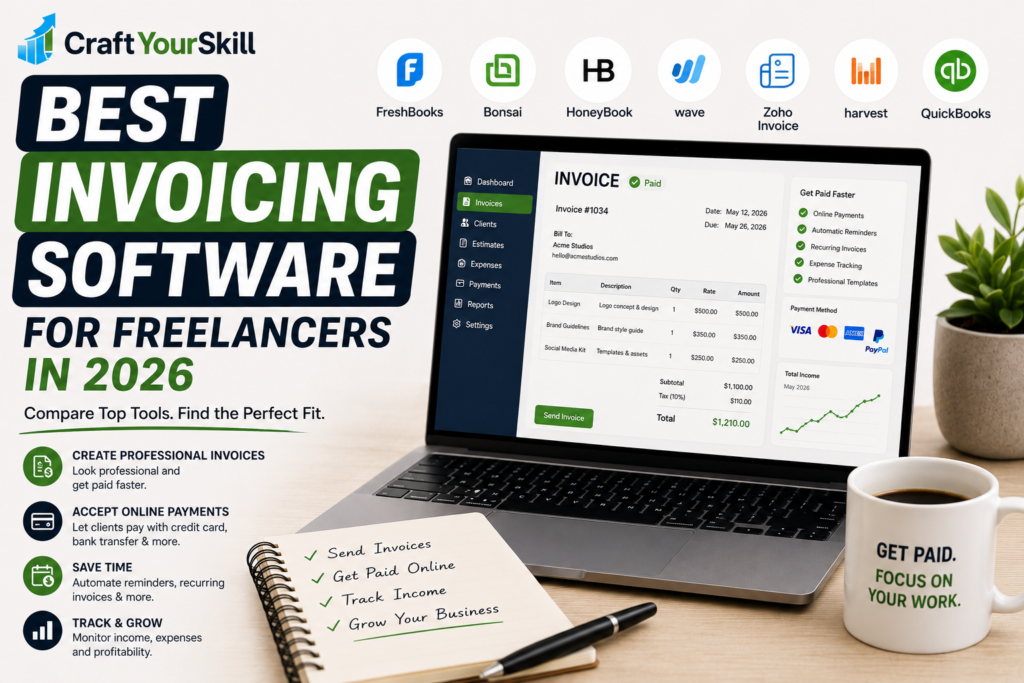
The Best Invoicing Software for Freelancers at a Glance
| Software | Best For | Free Option | Invoicing | Payments | Time Tracking |
| FreshBooks | Freelancers who want accounting features | Trial | Excellent | Yes | Yes |
| Bonsai | All-in-one freelance business management | Trial | Excellent | Yes | Yes |
| HoneyBook | Creatives and client workflows | Trial | Excellent | Yes | No/limited focus |
| Wave | Free invoicing and basic accounting | Yes | Excellent | Yes | No |
| Zoho Invoice | Free, straightforward invoicing | Yes | Excellent | Yes | Yes |
| Harvest | Time-based billing | Yes | Excellent | Yes | Excellent |
| QuickBooks | Freelancers who need accounting | Trial | Excellent | Yes | Yes |
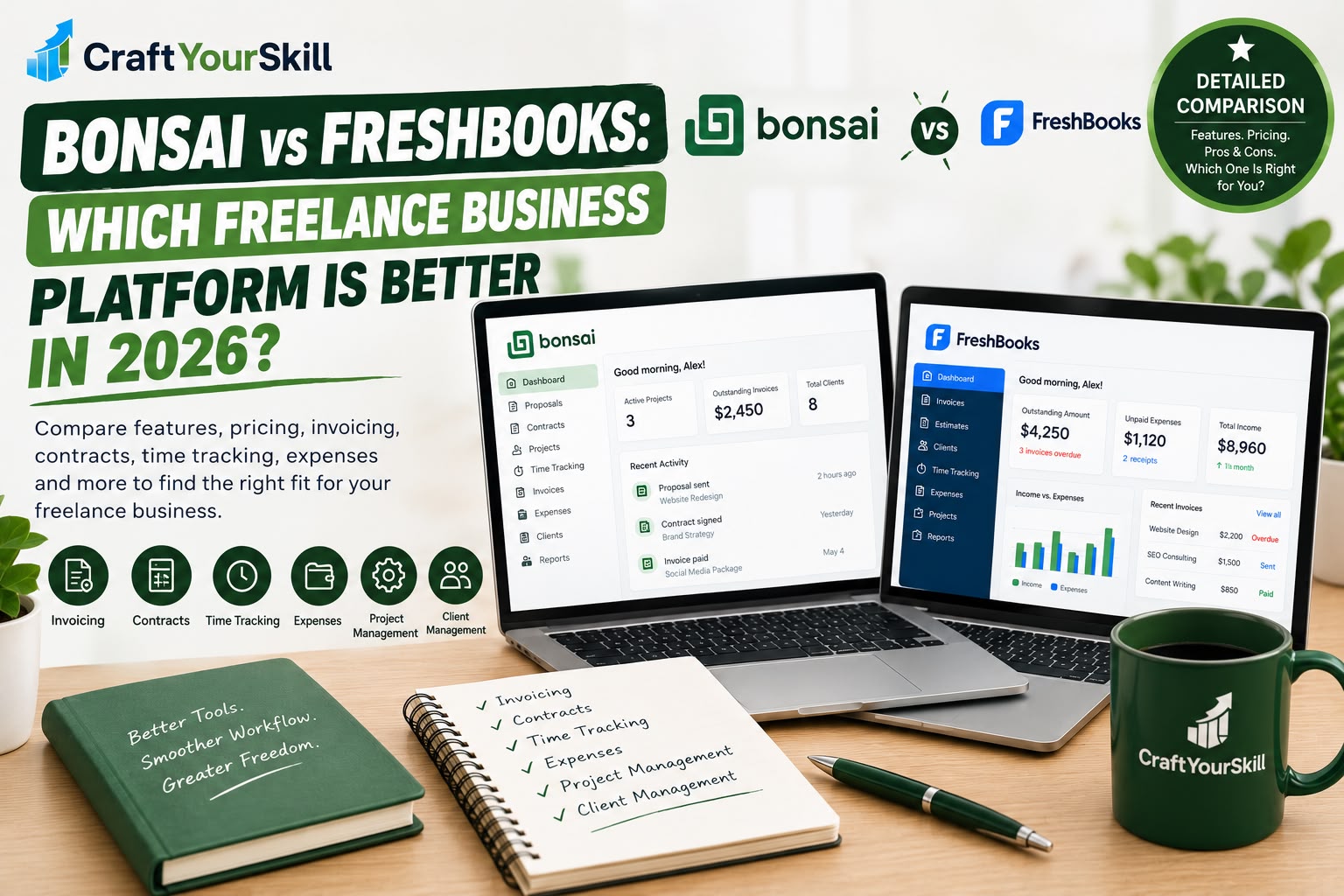
Our overall recommendation for most freelancers is FreshBooks, while Bonsai is particularly compelling if you want invoicing combined with contracts, proposals, time tracking, and client management.
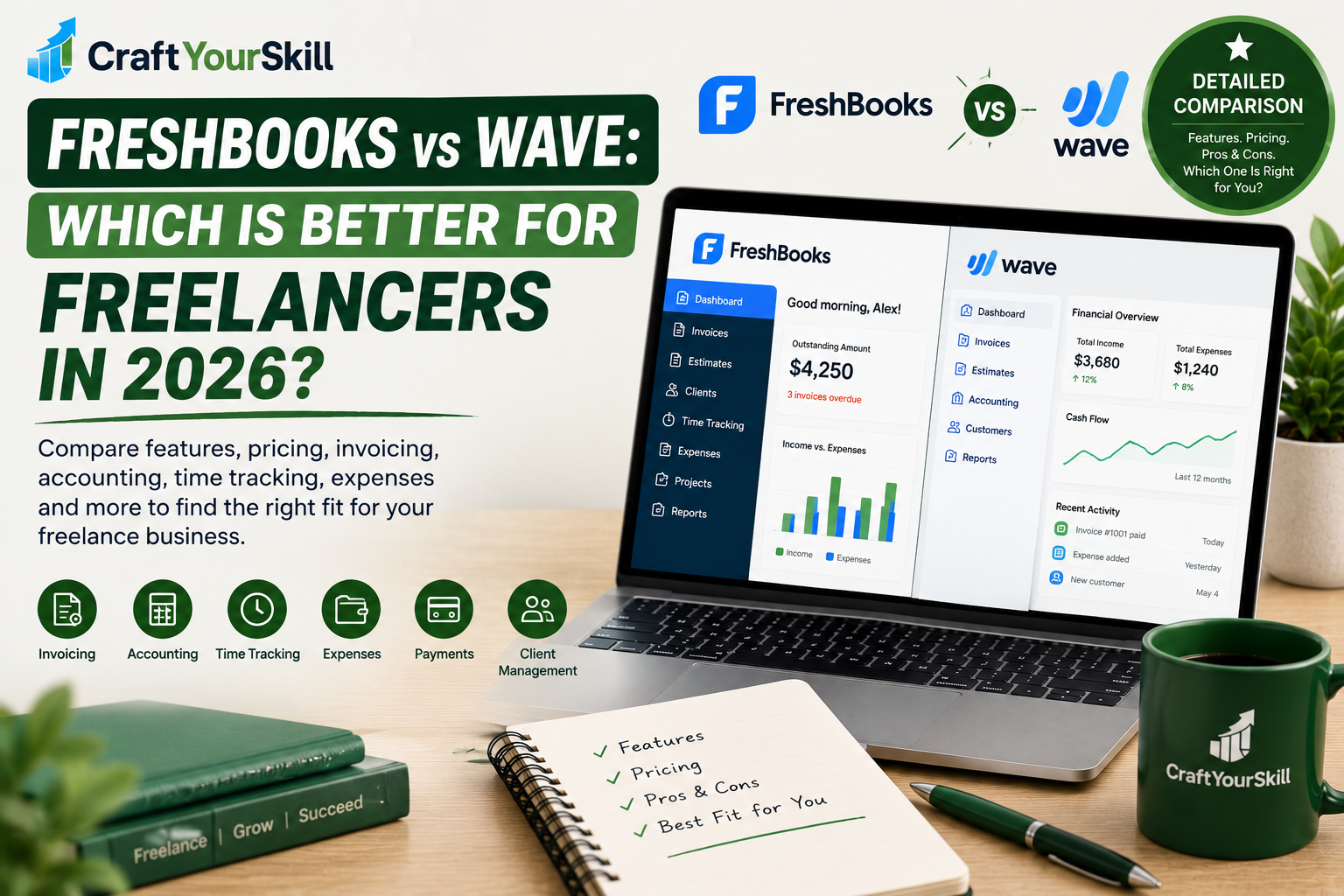
If your priority is keeping your costs at zero, Wave and Zoho Invoice deserve serious consideration.
What Should Freelancers Look for in Invoicing Software?
Before choosing an application, it’s worth thinking about what you’re actually trying to solve.
A professional invoice generator is not necessarily the same thing as complete invoicing software.
A basic generator might let you enter a client name, add line items, and download a PDF. That’s useful, but it doesn’t solve the rest of the billing process.
A good freelance invoicing system should help you move from:
Creating an invoice → sending it → accepting payment → recording the payment → following up if necessary.
The most useful features usually include online payments, recurring invoices, automatic reminders, estimates, expense tracking, client management, and integration with accounting or time-tracking tools.
For freelancers who bill by the hour, the ability to attach tracked time directly to an invoice can be particularly valuable.
1. FreshBooks: Best Overall Invoicing Software for Freelancers
FreshBooks is one of the most established options for independent professionals who need invoicing alongside broader financial management.
It combines invoicing with expenses, estimates, time tracking, financial reports, payments, and accounting-related features.
That makes it particularly suitable for freelancers who have moved beyond simply sending occasional invoices and want a more organized financial workflow.
FreshBooks currently offers plans aimed specifically at freelancers and self-employed professionals. Its Lite plan supports invoicing up to five clients, while higher plans increase the number of clients and add features such as proposals, retainers, receipt scanning, profitability reporting, and more.
Why freelancers should consider FreshBooks
The biggest advantage is that you don’t have to build your invoicing process separately from your other financial tasks.
For example, imagine you’re a freelance marketing consultant charging $100 per hour.
You can track your work, associate it with a client, record expenses, and use that information when preparing your invoice.
That is considerably more efficient than calculating everything manually at the end of the month.
FreshBooks also supports online payments through methods including credit and debit cards and ACH transfers, with payment options varying by plan and location.
Best for: Freelancers who want invoicing plus time tracking, expenses, estimates, and financial management.
Potential drawback: It becomes more expensive as your client list and feature requirements grow.
2. Bonsai: Best All-in-One Freelancer Platform
Bonsai takes a broader approach than traditional invoicing software.
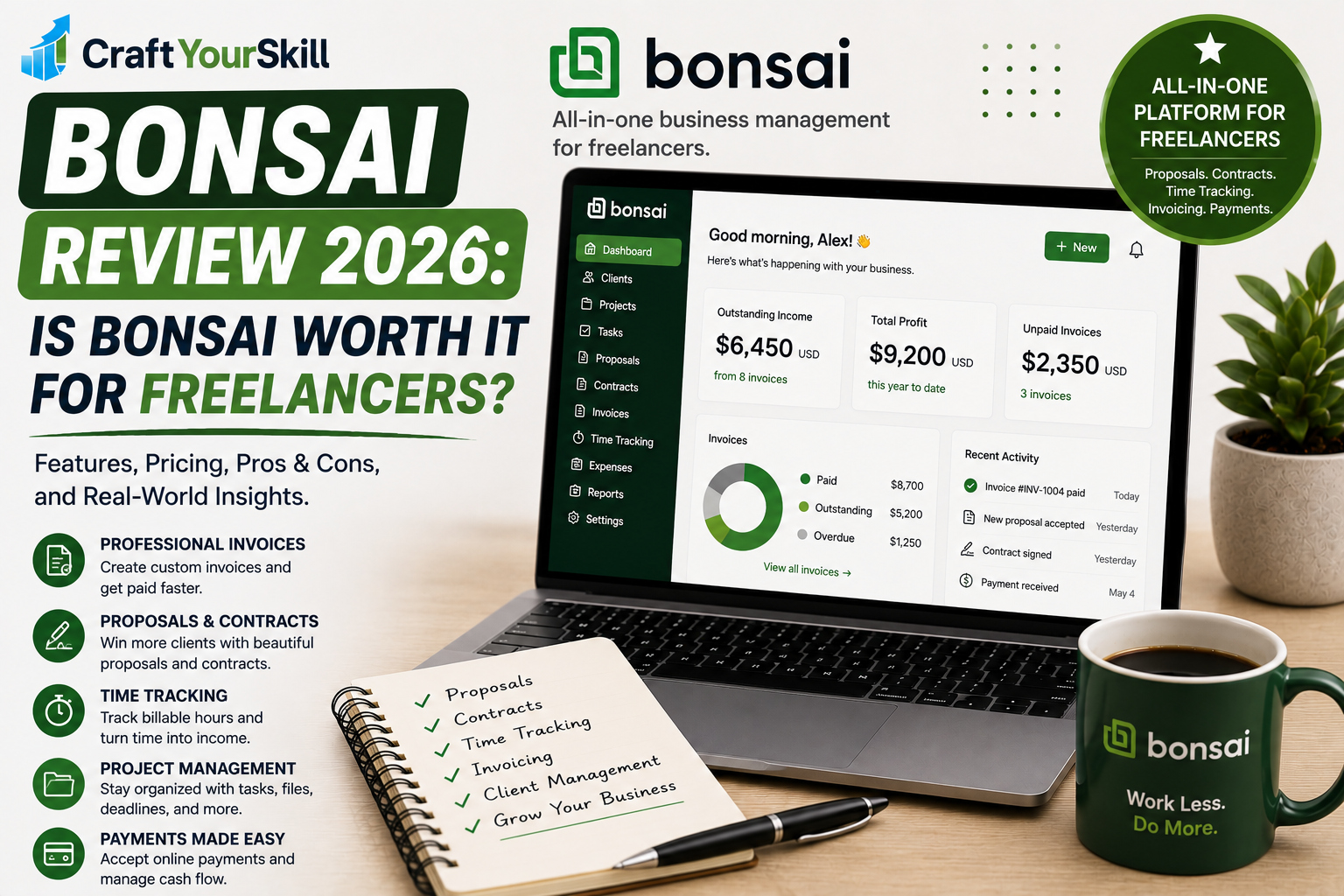
Instead of focusing exclusively on billing, it combines invoicing with contracts, proposals, client management, time tracking, project management, expenses, and financial reporting.
That makes it particularly interesting for freelancers who want to manage the entire client relationship in one place.
Bonsai’s current Essentials plan includes invoices and payments, proposals and contracts, scheduling, client portals, expense tracking, and income tracking. Higher plans add profitability reports, workload management, integrations, and other business-management features.
The platform also supports different billing models, including time-and-materials, fixed-fee, and retainer projects.
That’s useful because not every freelancer charges in the same way.
A freelance writer might bill $75 per hour.
A designer might charge $2,500 for a branding package.
A consultant might work on a monthly $3,000 retainer.
Bonsai can accommodate all three models.
Why freelancers should consider Bonsai
Bonsai makes the most sense when invoicing is only one part of the problem you’re trying to solve.
If you’re currently using separate applications for contracts, proposals, time tracking, invoices, and client management, consolidating those workflows can save a surprising amount of administrative time.
Bonsai has also added features such as rate cards and service-based hourly rates, which can make billing easier for freelancers and teams using different rates across projects.
Best for: Freelancers who want an all-in-one business management platform.
Potential drawback: It can be unnecessary if you only need simple invoices.
3. HoneyBook: Best for Creatives and Client Workflows
HoneyBook is designed around the client journey rather than just invoices.
You can use it to manage leads, proposals, contracts, invoices, payments, and client communication.
That makes it particularly attractive to photographers, designers, coaches, consultants, event professionals, and other service providers who need a polished client-facing experience.
HoneyBook describes its platform as covering the process from capturing leads through processing payments, with interactive files that can combine proposals, contracts, invoices, and other client documents.
The platform also supports online payments, including credit and debit cards, bank transfers, and digital payment methods. Its pricing currently starts at $29 per month, with a free trial available.
Why freelancers should consider HoneyBook
Suppose you’re a wedding photographer.
Your workflow might look like:
Inquiry → Proposal → Contract → Deposit → Project → Final Invoice → Payment
HoneyBook is designed for exactly this kind of process.
Instead of emailing several separate documents, you can create a more structured client experience.
For freelancers whose business depends heavily on presentation and client communication, that’s a meaningful advantage.
Best for: Creatives and service businesses with multi-step client workflows.
Potential drawback: It may be more software than a freelancer needs if all they want is basic invoicing.
4. Wave: Best Free Invoicing Software for Freelancers
If keeping your software costs low is your main priority, Wave is one of the first tools worth investigating.
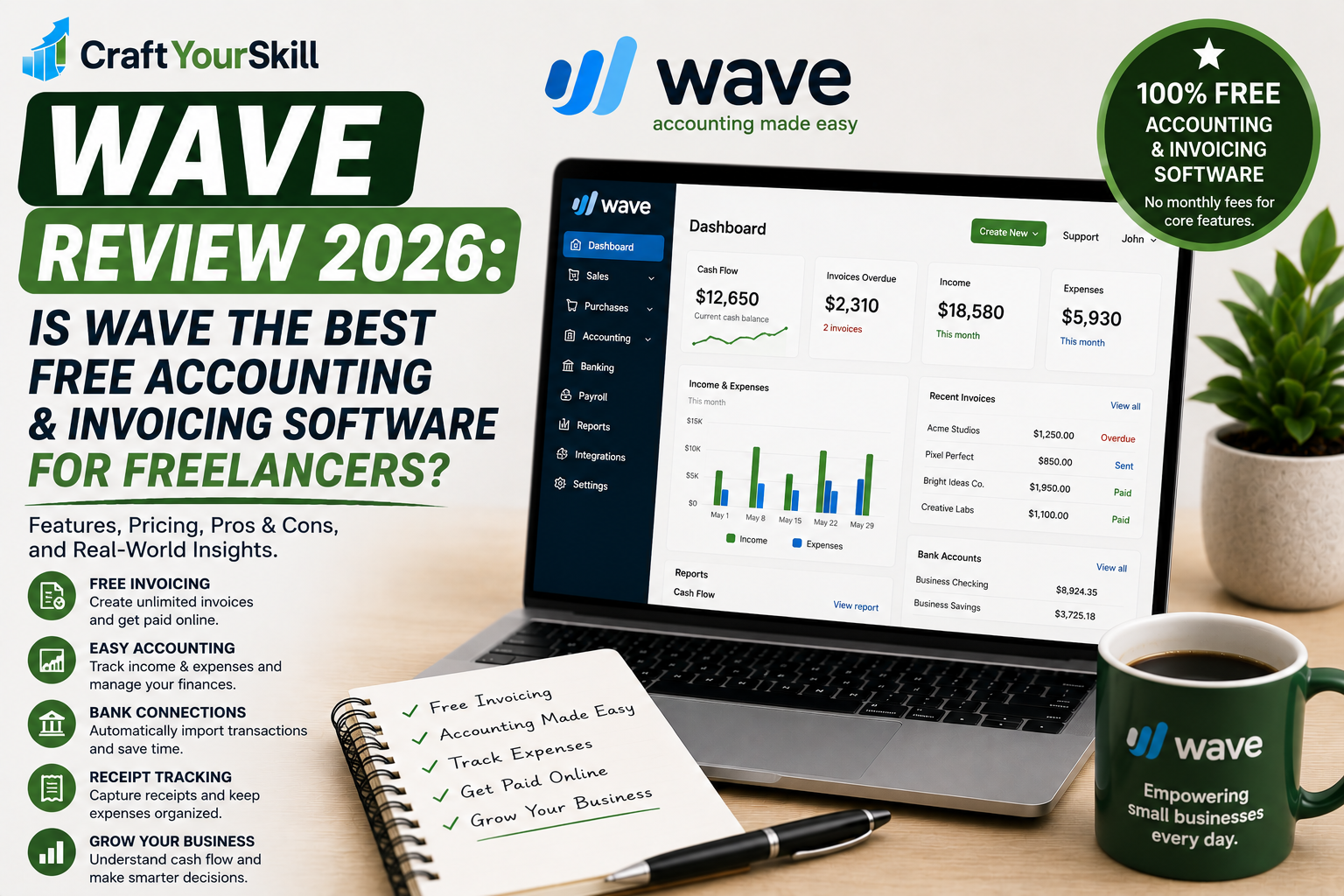
Wave currently offers a free Starter plan that includes unlimited estimates, invoices, bills, and bookkeeping records.
That’s a significant advantage for freelancers who don’t want another monthly subscription.
The free plan also provides access to basic accounting and invoicing features, while online payments and other services can involve additional fees.
Wave’s paid Pro plan adds features such as automatic bank transaction imports, transaction categorization, receipt capture, and automated late-payment reminders.
A practical example
Imagine you’re a freelance copywriter with six clients.
You send approximately ten invoices each month and don’t need contracts, project management, or sophisticated CRM features.
Paying $20–$40 every month for a large business management platform may not make sense.
Wave can handle the basic invoicing and bookkeeping requirements without adding a monthly software expense.
That’s where it becomes particularly attractive.
Best for: Freelancers who want free invoicing with basic accounting capabilities.
Potential drawback: It isn’t designed specifically around the broader freelance workflow.
5. Zoho Invoice: Best for Simple Free Invoicing
Zoho Invoice is another option worth considering if you want dedicated invoicing without committing to a paid subscription.
It is particularly appealing to freelancers who don’t need a large accounting or client-management platform.
The interface is built around the practical tasks freelancers need to perform: creating invoices, managing clients, tracking expenses and time, and monitoring payments.
For a freelancer who has outgrown Word templates but doesn’t want a full business management system, this type of focused tool can make more sense.
The biggest question is not whether Zoho Invoice can create professional invoices. It can.
The question is whether you need the additional ecosystem offered by tools such as FreshBooks, Bonsai, or HoneyBook.
If the answer is no, a dedicated invoicing tool may actually be the better choice.
Best for: Freelancers who want straightforward invoicing without unnecessary complexity.
Potential drawback: Freelancers looking for contracts, proposals, CRM, or deeper financial management may eventually need additional software.
6. Harvest: Best for Time-Based Billing
We recently reviewed Harvest in detail, and it deserves a place in this list because its invoicing functionality is closely connected to time tracking.
This makes Harvest especially useful for consultants, developers, designers, marketers, and other freelancers who bill clients by the hour.
The workflow is simple:
Track time → Mark it billable → Review project → Create invoice
That connection can eliminate a lot of manual calculations.
Harvest also supports expenses, project budgets, reporting, and payment integrations, making it more useful than a basic invoice generator.
Its free plan is available to individual users but is limited to two projects, so freelancers with many active projects may need a paid plan.
Best for: Freelancers who invoice based on tracked hours.
Potential drawback: Less compelling if you don’t need time tracking.
7. QuickBooks: Best for Freelancers Who Need Full Accounting
QuickBooks is better known as accounting software than as an invoicing platform, but that’s exactly why some freelancers choose it.
If you want your invoices connected to bookkeeping, expenses, income, financial reports, and tax-related records, an accounting-focused platform can be more useful than a standalone invoicing application.
The tradeoff is complexity.
A new freelancer who sends three invoices a month probably doesn’t need a full accounting system.
But if you’re running an established freelance business with significant revenue and expenses, having accounting and invoicing connected can save time and reduce duplicated data entry.
Best for: Established freelancers who need accounting alongside invoicing.
Potential drawback: More complicated than necessary for beginners.
Free vs Paid Invoicing Software
One of the biggest mistakes beginners make is assuming that paid software is automatically better.
It isn’t.
The right question is:
What administrative problem am I paying to solve?
If you send five invoices a month and everything works perfectly with a free application, paying $30 per month doesn’t necessarily improve your business.
But suppose you’re spending two hours every month manually creating invoices, calculating billable hours, following up with clients, and entering payments into another spreadsheet.
In that situation, paying for software could easily make financial sense.
For example, if a $20 monthly subscription saves you two hours every month and your effective working rate is $50 per hour, you’ve potentially created $100 of productive capacity for a $20 software expense.
That’s a much better way to evaluate software than simply asking whether it is “worth the price.”
What Features Actually Matter?
Not every freelancer needs every invoicing feature.
Recurring invoices
If you have monthly retainers, recurring invoices can eliminate repetitive work.
Instead of creating the same invoice every month, you configure it once and let the software handle the schedule.
Payment reminders
Late payments are one of the biggest administrative problems for freelancers.
Automatic reminders can reduce the uncomfortable process of manually emailing clients about overdue invoices.
Online payments
A professional invoice is useful.
An invoice that allows the client to click a button and pay immediately is even more useful.
Check which payment methods are supported in your country and what transaction fees apply before choosing a platform.
Estimates and proposals
If you regularly quote projects before winning them, estimates and proposals can be more useful than invoicing alone.
Some platforms, such as Bonsai and HoneyBook, integrate these steps directly into the client workflow.
Expense tracking
If you regularly incur client-related expenses, connecting those expenses to invoices can save considerable administrative work.
Multi-currency support
International freelancers should pay close attention to this.
If you invoice clients in USD, EUR, GBP, or other currencies, check how the platform handles currencies, exchange rates, payment processing, and reporting.
Don’t assume every “international” invoicing platform handles foreign payments in the same way.
How to Choose the Right Invoicing Software
Instead of signing up for every platform and trying to compare dozens of features, start by writing down your current billing process.
Ask yourself:
How many invoices do I send each month?
If the answer is three or four, simplicity may be more valuable than advanced functionality.
Do I bill hourly or by project?
Hourly freelancers benefit more from integrated time tracking.
Do clients pay online?
If yes, compare payment methods and processing fees carefully.
Do I need contracts and proposals?
If you frequently send both, an all-in-one platform like Bonsai or HoneyBook may be more efficient.
Do I need accounting?
If you’re already maintaining a separate accounting system, consider whether your invoicing software should integrate with it.
Do I work with international clients?
Check currency support, payment availability, and fees before committing.
Conclusion
The best invoicing software isn’t necessarily the platform with the longest feature list.
For a beginner freelancer, the most important things are usually much simpler: professional invoices, easy payment collection, automatic reminders, and a reliable record of what you’ve billed.
As your business grows, your requirements change.
You may eventually need recurring invoices, expense tracking, time tracking, contracts, proposals, project profitability, accounting integrations, or multi-currency billing.
That’s why it’s worth choosing software based on where your freelance business is now and what you’ll realistically need over the next year.
For a straightforward free solution, Wave is difficult to ignore. For freelancers who want a more complete financial workflow, FreshBooks is a strong overall choice. If you want to manage contracts, proposals, projects, time, and invoices from one platform, Bonsai is particularly compelling.
And if your invoices are directly tied to tracked hours, Harvest remains a strong option.
The important thing is to stop treating invoicing as an administrative task that happens after the work is finished. A good invoicing system should become part of your freelance workflow—from agreeing on the project and tracking the work to sending the invoice and receiving the payment.