
For freelancers, managing clients can become almost as time-consuming as doing the actual work.
A typical project might involve an initial inquiry, a discovery call, a proposal, a contract, an invoice, several emails, payment reminders, project updates, and eventually another invoice when the next project begins. When every part of that process is handled in a different application, keeping everything organized becomes difficult.
HoneyBook is designed to solve that problem by bringing client management, proposals, contracts, invoices, payments, scheduling, and automation into one platform.
Unlike traditional accounting software, HoneyBook focuses heavily on the client experience and workflow. Its current platform includes what HoneyBook calls “Smart Files,” which can combine services, proposals, contracts, invoices, payment screens, questionnaires, scheduling, and other elements into a single client-facing workflow.
But does that make HoneyBook a good choice for freelancers, or is it more software than most independent professionals actually need?
Let’s take a closer look.
What Is HoneyBook?
HoneyBook is an AI-powered client relationship and business-management platform aimed at service-based businesses, including freelancers, consultants, marketers, creatives, and other professionals.
Its focus is slightly different from traditional accounting platforms.
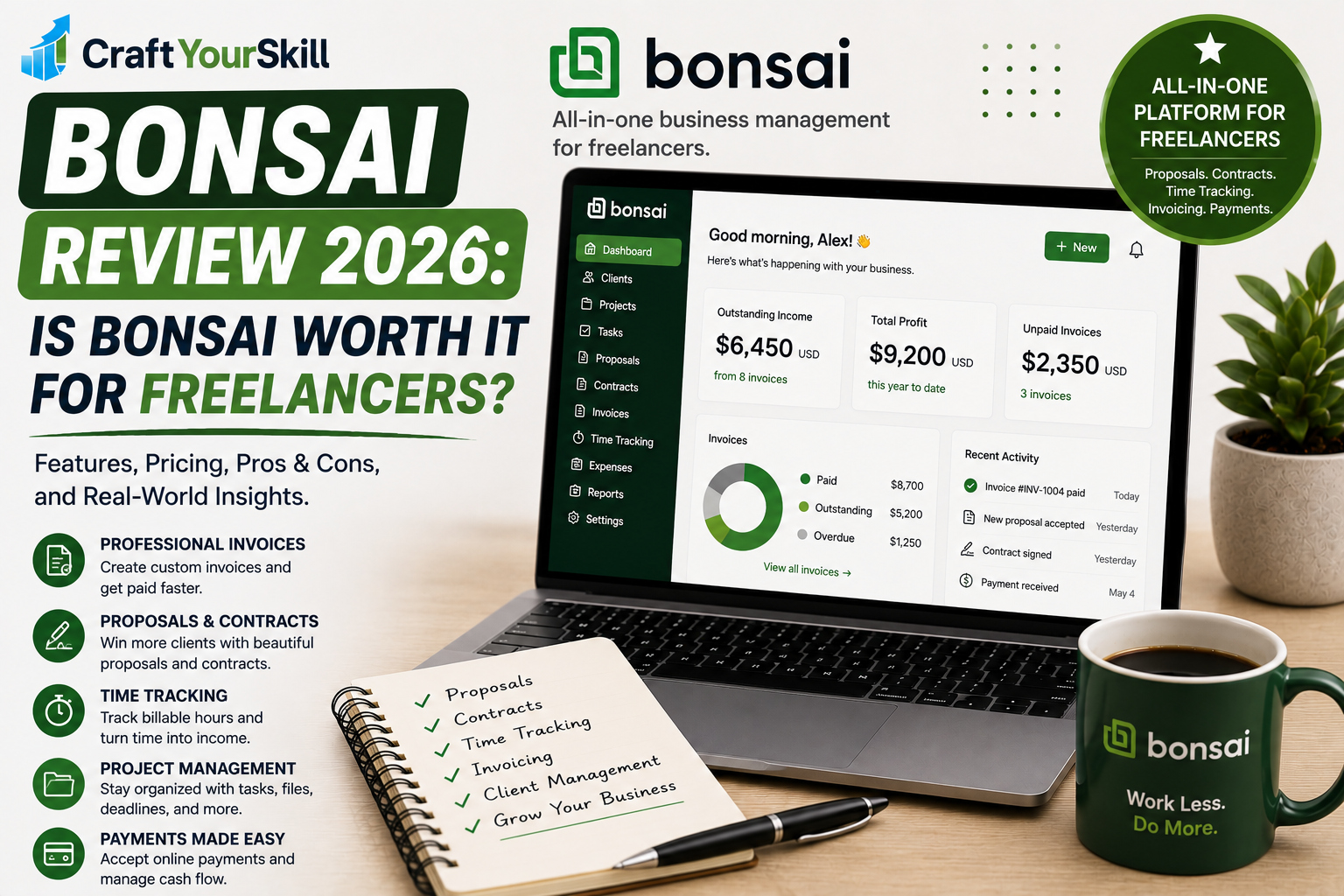
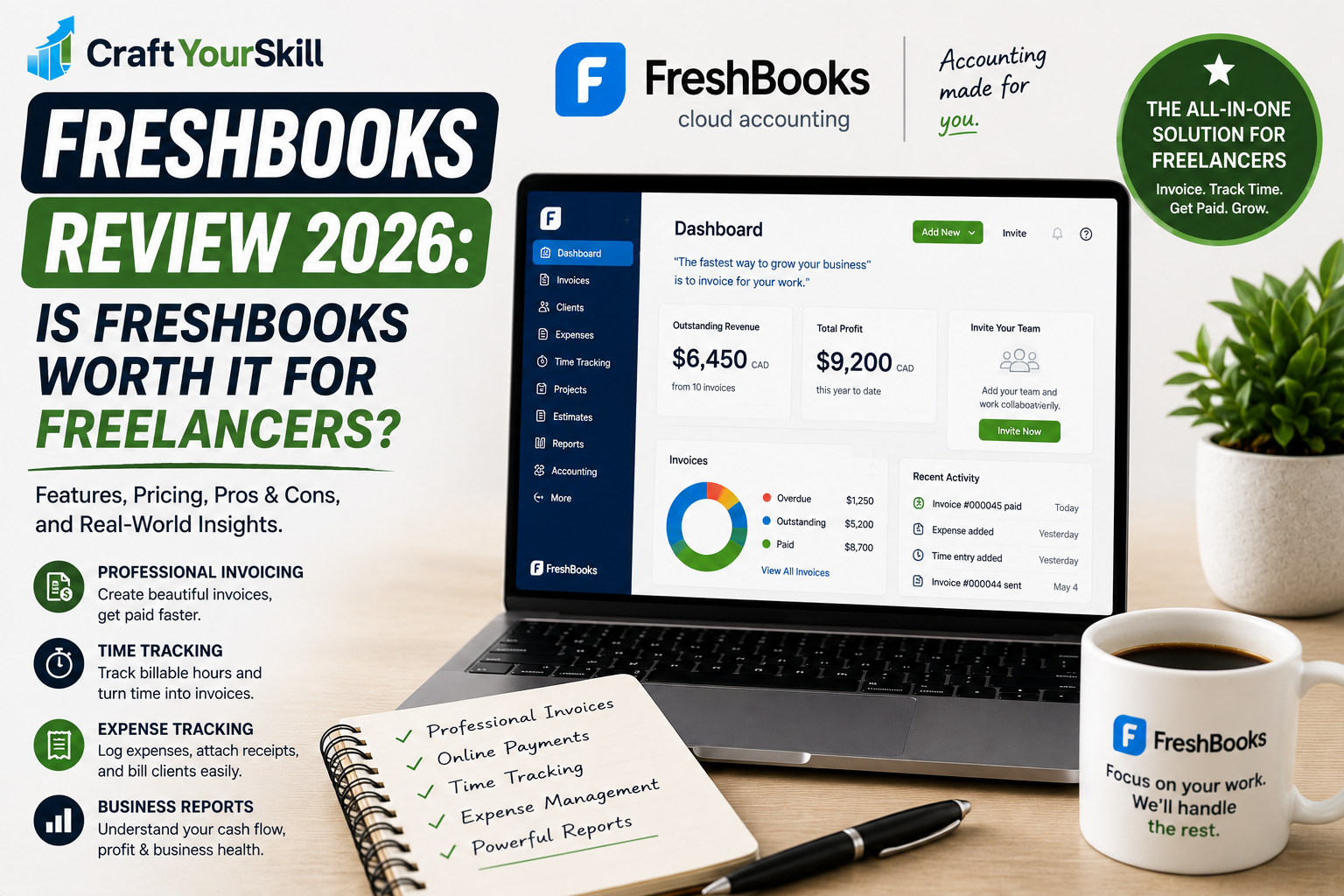
FreshBooks, for example, puts considerable emphasis on invoicing and accounting. Bonsai focuses heavily on the complete freelance workflow, including proposals, contracts, projects, and billing.
HoneyBook places particular emphasis on managing the client journey from inquiry to payment.
A typical HoneyBook workflow could look like:
Lead → Inquiry → Proposal → Contract → Invoice → Payment → Project → Follow-up
Instead of moving between several different applications, a freelancer can build much of this process inside HoneyBook.
That makes it particularly interesting for freelancers who are spending too much time on administrative work.
HoneyBook Pricing in 2026
HoneyBook currently offers three main plans in the United States: Starter, Essentials, and Premium.
When billed annually, the current prices are:
| Plan | Annual price | Monthly price | Best suited for |
| Starter | $29/month | $36/month | Solo freelancers and small businesses |
| Essentials | $49/month | $59/month | Growing businesses needing automation |
| Premium | $109/month | $129/month | Larger teams and advanced reporting |
All three plans include unlimited clients and projects. The Starter plan includes invoices and payments, proposals and contracts, calendar functionality, templates, a client portal, basic reports, lead forms, and HoneyBook AI.
The Essentials plan adds features such as scheduling, automations, QuickBooks Online integration, additional team members, more lead forms, SMS reminders, and standard reports.
The Premium plan is designed for businesses with larger teams and adds unlimited team members, priority support, multiple companies, advanced reports, and unlimited lead forms.
HoneyBook also offers a 30-day free trial with no credit card required, according to its current pricing information.
Is HoneyBook Expensive?
Compared with a simple invoicing application, HoneyBook is relatively expensive.
The Starter plan begins at $29 per month when billed annually, so a freelancer who only wants to create and send occasional invoices can find cheaper alternatives.
However, comparing HoneyBook with basic invoicing software doesn’t tell the whole story.
The platform combines invoicing with proposals, contracts, client management, scheduling, payment processing, templates, automation, and other business tools.
If you would otherwise subscribe to several different services to handle these tasks, HoneyBook can become considerably more attractive.
The real question is therefore not:
“Is HoneyBook cheap?”
It isn’t the cheapest option.
The better question is:
“Will I actually use enough of HoneyBook’s features to justify the subscription?”
For many established freelancers, that is where the value proposition becomes interesting.
HoneyBook Invoicing
Invoicing is one of HoneyBook’s core features.
The platform allows freelancers to create professional invoices and accept online payments from clients. HoneyBook supports credit and debit cards, bank transfers, Apple Pay, Google Pay, and other payment methods depending on availability.
One of HoneyBook’s biggest strengths is that invoices don’t have to exist separately from the rest of the client workflow.
A proposal can lead into a contract, and that contract can lead directly into an invoice and payment.
HoneyBook describes its Smart Files as a way to combine different client actions and content into a single document or workflow. These can include service selection, contracts, invoices and payment screens, scheduling, questions, and other content.
For a freelancer, this can eliminate a lot of unnecessary back-and-forth.
Instead of sending:
- one email with a proposal,
- another with a contract,
- another with payment instructions,
- and another with an invoice,
you can build a more connected client experience.
HoneyBook Payment Processing Fees
Subscription costs aren’t the only expense to consider.
HoneyBook charges transaction fees for online payments. Its current pricing page lists card processing fees starting at 2.7% + $0.10, while ACH bank transfers are listed at 1.5%.
However, HoneyBook’s pricing pages also show different processing-fee structures in some contexts, so freelancers should check the pricing displayed for their specific account, country, and payment setup before making a decision.
Payment processing can become significant for freelancers with high monthly revenue.
For example, a freelancer processing $10,000 in client payments through a card-based payment system will naturally pay much more in processing fees than someone collecting $1,000.
This is one reason to look at both the subscription price and transaction costs when comparing HoneyBook with competitors.
Proposals
HoneyBook is particularly strong when it comes to proposals.
Rather than treating a proposal as a simple PDF attachment, HoneyBook allows freelancers to create interactive client-facing documents.
A proposal can include service descriptions, pricing, packages, images, and other information designed to help a potential client make a decision.
HoneyBook’s proposal tools are designed to reduce the back-and-forth between presenting an offer and getting the client booked.
This can be especially useful for freelancers selling packages rather than simple hourly services.
For example, a freelance brand designer could offer:
Basic Brand Package — $1,500
Complete Brand Package — $2,500
Premium Brand Package — $4,000
The client can review the options and move forward with the package that fits their needs.
This is more sophisticated than simply emailing a price list.
Contracts and E-Signatures
Once a client agrees to a proposal, the next step is usually a contract.
HoneyBook supports digital contracts and electronic signatures, allowing clients to review and sign agreements online.
Contracts can also be incorporated into HoneyBook Smart Files alongside proposals, invoices, questionnaires, and other elements.
This is valuable for freelancers because contracts are an important part of running a professional business.
Instead of creating a proposal in one application, downloading it, creating a contract somewhere else, and then manually creating an invoice, HoneyBook can connect these stages.
The result is a much more streamlined onboarding process.
HoneyBook Smart Files
Smart Files are arguably one of HoneyBook’s most interesting features.
They are essentially customizable client-facing workflows that can combine multiple functions into a single experience.
According to HoneyBook, Smart Files can include service selection, contracts, invoices and payment screens, scheduling, questions, and other content.
Imagine you’re a freelance photographer.
You could send a client one Smart File containing:
Photography package options → questionnaire → contract → deposit invoice → payment
The client can move through the process without having to search through multiple emails.
This is where HoneyBook feels different from a conventional accounting or invoicing platform.
It isn’t just helping you bill the client.
It is helping you guide the client through the buying process.
Client Management and CRM
HoneyBook also works as a CRM for freelancers.
The platform can help you track leads, clients, projects, inquiries, and communication in one place. HoneyBook specifically positions its freelancer offering around managing client inquiries, tasks, contracts, invoices, and communication through a centralized platform.
This becomes more important as your business grows.
When you have three clients, remembering where each project stands isn’t particularly difficult.
When you have 15 active clients and another 20 leads in your pipeline, it becomes much easier to lose track of conversations and follow-ups.
HoneyBook’s CRM functionality is designed to give freelancers a central overview.
HoneyBook Client Portal
HoneyBook also provides a client portal where clients can access shared files, messages, project information, and payment-related information.
The current client portal includes areas for activity, files, payments, notes, and shared project details.
HoneyBook also redesigned its client portal in 2026, with the stated goal of creating a more branded and seamless client experience.
This is useful for freelancers who want their business to feel more professional.
A client doesn’t have to search their inbox for the latest proposal or invoice. They can have a centralized location for the project.
For a freelancer working with corporate or higher-value clients, this can make a noticeable difference in how the business is perceived.
Scheduling
Scheduling is another area where HoneyBook tries to reduce the number of tools freelancers need.
Depending on the plan, HoneyBook includes scheduling functionality that allows clients to book meetings based on your availability. The Essentials plan includes its scheduler.
That can reduce the need for a separate scheduling platform.
For consultants, coaches, designers, marketers, and other service providers who regularly have discovery calls or client meetings, having scheduling connected to the client workflow can be convenient.
It also means a new lead can potentially move from inquiry to scheduled call without you manually coordinating several emails.
Automation
Automation is one of the areas where HoneyBook becomes more compelling for a growing freelance business.
The Essentials plan includes automation functionality, which can be used for repetitive parts of the client workflow.
For example, instead of manually sending every onboarding message, you can build a workflow that automatically triggers the appropriate steps when a client books or completes a particular action.
Automation can be particularly useful for recurring services.
A freelancer offering monthly SEO services, for example, may have the same onboarding process for every new client.
Automating that process means less administrative work every time a new client signs up.
The key is to automate repetitive tasks without making the client experience feel robotic.
HoneyBook AI
HoneyBook has also added AI functionality to its platform.
Current HoneyBook materials highlight AI features such as email drafting, project recaps, business trends, and meeting note-taking.
For freelancers, the practical value of these features is less about replacing creative work and more about reducing administrative work.
For example, an AI-generated email draft can help you respond to a client inquiry faster, while meeting summaries can make it easier to keep track of decisions and follow-up tasks.
The AI tools are therefore best viewed as an additional productivity layer rather than the main reason to choose HoneyBook.
HoneyBook Mobile App
Freelancers don’t always work from a laptop.
HoneyBook provides mobile apps for iOS and Android, allowing users to manage parts of their business while away from their computer.
This can be particularly useful for freelancers who travel, work from different locations, or communicate with clients throughout the day.
You probably won’t want to manage every aspect of your business from a phone, but having access to client communication, payments, and other key functions can be convenient.
HoneyBook Pros and Cons
HoneyBook has a lot going for it, but the platform isn’t ideal for everyone.
Pros
Excellent client workflow: HoneyBook connects inquiries, proposals, contracts, invoices, and payments.
Strong proposal and contract tools: Freelancers can create a more professional onboarding process without relying on multiple applications.
Smart Files: These allow multiple client actions to be combined into a single workflow.
Unlimited clients and projects: HoneyBook doesn’t charge more simply because you add additional clients or projects.
Client portal: Clients can access project information, files, messages, and payments in one place.
Automation: Useful for reducing repetitive administrative tasks.
Scheduling: Particularly helpful for consultants and freelancers who regularly meet with clients.
AI features: Email drafting, meeting notes, project summaries, and other AI tools can reduce administrative work.
Cons
Higher starting price: At $29/month when billed annually, HoneyBook is more expensive than many basic invoicing tools.
Payment processing fees: Transaction fees can add up for freelancers processing a large volume of payments.
Advanced features require higher plans: Automation, scheduling, QuickBooks integration, and more advanced reporting aren’t all included in Starter.
May be too much for very simple freelance businesses: If you only send a few invoices each month, many of HoneyBook’s features may go unused.
Accounting isn’t its primary strength: HoneyBook is primarily a client-management and business-workflow platform. Freelancers with complex accounting requirements may still need dedicated accounting software.
Who Should Use HoneyBook?
HoneyBook is particularly well suited to freelancers who sell services rather than products and regularly go through a structured client onboarding process.
That includes:
- Freelance designers
- Photographers
- Copywriters
- Consultants
- Coaches
- Marketing specialists
- Brand strategists
- Event professionals
- Creative professionals
The strongest use case isn’t simply:
“I need to send invoices.”
It’s:
“I need to turn leads into clients and manage the entire process professionally.”
For example, a freelance brand designer might receive an inquiry through a HoneyBook lead form, schedule a discovery call, send a proposal, collect a signed contract, take a deposit, and manage the project through the client portal.
That is where HoneyBook’s all-in-one approach starts to make sense.
Who Should Probably Avoid HoneyBook?
If your freelance business is extremely simple, HoneyBook may be unnecessary.
Suppose you’re a freelance writer with two clients who send you work through email and you only need to issue an invoice once a month.
In that situation, paying $29 or more per month for a full client-management platform probably isn’t the most efficient use of your money.
Similarly, if you already have established tools for proposals, contracts, scheduling, project management, and accounting, moving everything to HoneyBook may create more work than it saves.
HoneyBook is most valuable when you want to consolidate your workflow, not when you already have a system that works perfectly.
HoneyBook vs FreshBooks
FreshBooks and HoneyBook overlap, but their strengths are different.
FreshBooks is more focused on financial management, accounting, invoicing, expenses, and time tracking.
HoneyBook is more focused on the client journey, including leads, proposals, contracts, scheduling, invoices, payments, and communication.
If your biggest problem is:
“I need better control over my invoices, expenses, and financial records.”
FreshBooks may be the better choice.
If your biggest problem is:
“I need to organize my leads and create a professional process from inquiry to payment.”
HoneyBook is likely more appealing.
Neither platform is automatically better.
They simply solve somewhat different problems.
HoneyBook vs Bonsai
Bonsai is another particularly close competitor for freelancers.
Both platforms offer proposals, contracts, invoices, payments, client management, and other business tools.
Bonsai tends to feel more oriented toward the freelancer project workflow, with strong time tracking and project-management functionality.
HoneyBook is especially strong around the client experience, lead capture, proposals, Smart Files, scheduling, and payment workflow.
If you are a freelancer who primarily bills hourly and wants strong project and time management, Bonsai may be worth a closer look.
If you rely heavily on proposals, client onboarding, booking, and a polished client-facing experience, HoneyBook may have the edge.
For many service businesses, the decision will come down to which workflow feels more natural rather than which platform has the longer feature list.
Is HoneyBook Worth It for Freelancers in 2026?
For the right freelancer, HoneyBook is absolutely worth considering in 2026.
Its biggest strength is not its invoicing functionality alone.
It’s the ability to build a connected client journey around your services.
A potential client can discover your business, submit an inquiry, schedule a call, review a proposal, sign a contract, make a payment, and continue communicating with you through a centralized system.
That can save a significant amount of administrative time.
The biggest downside is the price.
At $29/month on annual billing for Starter, HoneyBook costs more than many standalone invoicing solutions.
So the platform makes the most sense when you’re going to use several of its features rather than treating it as an expensive invoice generator.
The good news is that HoneyBook currently offers a 30-day trial without requiring a credit card, so freelancers can test the workflow before committing.
HoneyBook Review: Conclusion
HoneyBook is one of the strongest client-management platforms for freelancers who want to create a professional, streamlined process from first inquiry to final payment.
Its proposals, contracts, Smart Files, invoices, payments, scheduling, client portal, automation, and AI tools make it much more than a traditional invoicing application.
However, its value depends heavily on your workflow.
If you simply need to send invoices, there are cheaper options.
If you want to manage clients, sell services, automate onboarding, collect payments, and create a polished client experience from one platform, HoneyBook becomes much more compelling.
Rating: 4.5/5
Best for: Service-based freelancers and small businesses that want strong client management, proposals, contracts, invoicing, payments, and automation.
Not ideal for: Freelancers who only need basic invoicing or already have a well-established collection of business tools.