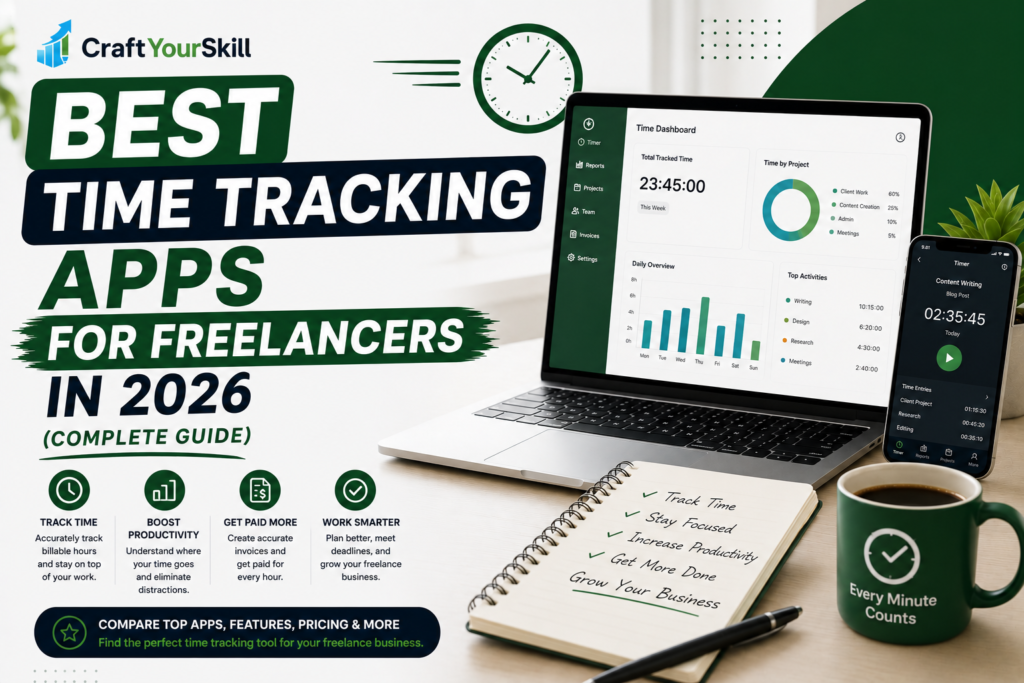
Whether you’re charging clients by the hour, juggling multiple projects, or simply trying to understand where your workday goes, time tracking can make a noticeable difference. Many freelancers begin by estimating the hours they’ve worked, but that approach often leads to inaccurate invoices, lost income, or unrealistic project timelines.
A dedicated time tracking app helps solve those problems. Instead of relying on memory, it records your work automatically or with a single click, giving you a clearer picture of how long tasks actually take. Over time, this data becomes valuable not only for billing clients but also for planning your schedule, identifying distractions, and improving profitability.
The market now offers dozens of time tracking tools, each with its own strengths. Some are designed for solo freelancers who want a simple timer, while others include invoicing, reporting, payroll, and team management features. Choosing the right one depends on how you work, what you charge for, and whether you expect your business to grow.
This guide compares the best time tracking apps for freelancers in 2026, highlighting where each platform performs well, where it falls short, and which type of freelancer is most likely to benefit from it.
Quick Comparison
| Tool | Best For | Free Plan | Starting Price | Our Rating |
| Toggl Track | Overall Best | Yes | Paid plans available | 9.8/10 |
| Clockify | Best Free Option | Yes | Paid plans available | 9.6/10 |
| Harvest | Invoicing + Time Tracking | Limited | Paid | 9.4/10 |
| Hubstaff | Remote Teams | Limited | Paid | 9.1/10 |
| Timely | Automatic Tracking | Trial | Paid | 9.0/10 |
| Memtime | Automatic Desktop Tracking | Trial | Paid | 8.9/10 |
| RescueTime | Productivity Analysis | Trial | Paid | 8.8/10 |
Why Freelancers Should Track Their Time
Many freelancers underestimate how much unpaid work fills their week. Answering emails, revising proposals, attending discovery calls, or researching a client’s industry all take time, yet these tasks are often overlooked when preparing invoices or setting project prices.
Tracking your hours consistently helps you answer questions such as:
- Which clients are the most profitable?
- How long does it actually take to write a 2,000-word article?
- Are you spending too much time on administrative work?
- Are your project estimates realistic?
These insights help you quote more accurately and make better business decisions over time.
1. Toggl Track – Best Overall Time Tracking App
Toggl Track has earned its reputation as one of the most popular time tracking tools for freelancers because it strikes an excellent balance between simplicity and functionality.
You can start and stop timers with a single click, organize work by project or client, generate detailed reports, and integrate with hundreds of other business tools.
Unlike many competitors, Toggl doesn’t overwhelm new users with unnecessary complexity. The interface is clean, intuitive, and suitable whether you’re a freelance writer, designer, developer, consultant, or virtual assistant.
Pros
- Extremely easy to use
- Excellent reporting
- Great integrations
- Reliable free plan
- Cross-platform support
Cons
- Advanced reporting requires a paid plan.
Best for: Most freelancers.
2. Clockify – Best Free Time Tracking Software
Clockify has become one of the strongest free alternatives on the market.
Unlike many free plans that impose strict limits, Clockify allows unlimited time tracking for unlimited projects, making it especially attractive for freelancers just starting out.
It also includes reporting, timesheets, and project tracking that many competing platforms reserve for paid users.
If budget is your biggest concern, Clockify is difficult to beat.
Best for: New freelancers.
3. Harvest – Best for Billing Clients
Harvest combines time tracking with invoicing, expense management, and reporting.
Rather than exporting tracked hours into another invoicing tool, freelancers can convert tracked time directly into professional invoices.
This creates a smoother workflow for professionals billing clients by the hour.
Best for: Consultants and hourly freelancers.
4. Hubstaff – Best for Remote Teams
Hubstaff goes beyond simple time tracking by offering productivity monitoring, payroll features, scheduling, and optional activity tracking.
Solo freelancers may find these features excessive, but agencies and distributed teams often appreciate the additional management tools.
Best for: Agencies and growing freelance businesses.
5. Timely – Best Automatic Time Tracking
Timely takes a different approach.
Instead of requiring users to remember to start timers, it automatically records work activity throughout the day and helps categorize tasks afterward.
This makes it ideal for freelancers who frequently forget to track their hours.
Best for: Creative professionals and consultants.
6. Memtime – Best Passive Tracking
Memtime runs quietly in the background and records the applications, websites, and documents you work on without sending the data to external servers for analysis.
At the end of the day, you can review your activity and decide what should be logged as billable time.
For freelancers who value privacy while still wanting an automatic record of their work, Memtime offers a compelling balance.
Best for: Freelancers who prefer passive, privacy-focused tracking.
7. RescueTime – Best for Productivity Insights
RescueTime is less about client billing and more about understanding how you spend your day.
It categorizes websites and applications, highlights distractions, and provides reports that can help you improve focus.
While it isn’t a complete replacement for traditional time tracking software, it’s a useful companion for freelancers who want to build better work habits.
Best for: Productivity-focused freelancers.
Which Time Tracking App Is Right for You?
The best choice depends on your workflow.
If you’re looking for a reliable all-around solution, Toggl Track is difficult to beat thanks to its ease of use, integrations, and reporting.
If you’re just starting your freelance career and want to avoid monthly costs, Clockify offers one of the most generous free plans available.
Freelancers who invoice clients based on hourly work may appreciate Harvest, while agencies and remote teams may benefit from Hubstaff‘s management features.
For those who prefer automation, Timely and Memtime reduce the need to manually start and stop timers, making them ideal for busy professionals.
Our Recommendations
| Category | Winner |
| Best Overall | Toggl Track |
| Best Free Tool | Clockify |
| Best for Billing Clients | Harvest |
| Best Automatic Tracking | Timely |
| Best Privacy-Focused Tracking | Memtime |
| Best for Teams | Hubstaff |
| Best Productivity Insights | RescueTime |
Conclusion
Time tracking isn’t just about recording hours—it’s about understanding how your business operates. The right app can help you invoice with confidence, estimate projects more accurately, and identify opportunities to work more efficiently.
For most freelancers, Toggl Track remains the best all-around option thanks to its balance of simplicity, reporting, and integrations. Clockify is an excellent alternative for those who want robust features without a subscription, while tools like Harvest, Timely, and Memtime cater to more specialized workflows.
Choosing the right platform ultimately comes down to how you work. Whether you prefer manual timers, automatic tracking, or built-in invoicing, investing in a reliable time tracking app can help you manage your freelance business more effectively.