
Choosing software to manage a freelance business is about more than finding a good invoicing tool. As your client list grows, you may need contracts, proposals, time tracking, project management, expense tracking, payments, and financial reporting—all without creating a complicated stack of separate apps.
Two popular options are Bonsai and FreshBooks, but they approach freelance business management differently.
Bonsai is built more specifically around the freelancer-client workflow, combining proposals, contracts, projects, time tracking, invoicing, expenses, and client management. FreshBooks, meanwhile, has a stronger emphasis on invoicing, accounting, expenses, payments, and financial management.
So, which one is better for freelancers in 2026?
The answer depends on how you run your business. In this guide, we’ll compare Bonsai vs FreshBooks across pricing, invoicing, time tracking, contracts, project management, expenses, accounting, and ease of use to help you choose the right platform.
Bonsai vs FreshBooks: Quick Comparison
| Feature | Bonsai | FreshBooks |
| Best for | Freelancers and service businesses | Freelancers and small businesses focused on accounting |
| Time tracking | Yes | Yes |
| Invoicing | Yes | Yes |
| Online payments | Yes | Yes |
| Proposals | Yes | Yes, on eligible plans |
| Contracts | Yes | More limited |
| Project management | Strong | Basic |
| Client management | Strong | Yes |
| Expense tracking | Yes | Yes |
| Accounting/bookkeeping | Yes, with integrations and bookkeeping features | Strong |
| Profitability tracking | Yes | Yes on higher plans |
| Mobile app | Yes | Yes |
| Entry-level price | $9/user/month when billed annually | $23/month standard price, with current promotions |
| Best overall for | Managing the complete freelance workflow | Managing finances and accounting |
Bonsai’s current Basic plan starts at $9 per user per month when billed annually and includes time tracking, task management, unlimited projects, CRM, a service library, mobile apps, and unlimited clients. Its Essentials plan is $19/user/month and adds invoices and payments, proposals and contracts, and additional templates.
FreshBooks currently lists its standard USD pricing at $23/month for Lite, $43/month for Plus, and $70/month for Premium, although its website is currently offering promotional pricing for new customers.
What Is Bonsai?
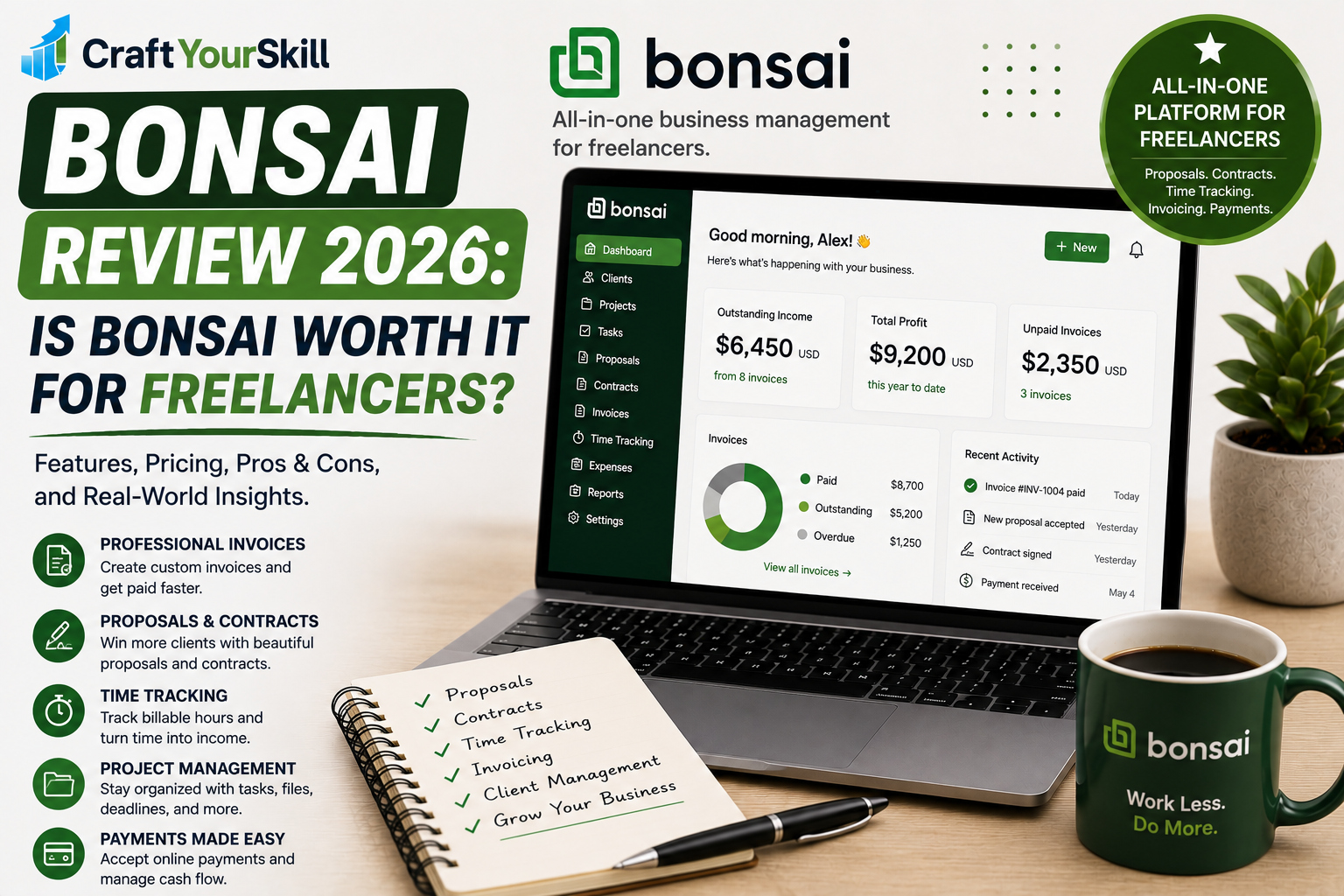
Bonsai is an all-in-one business management platform designed around the way freelancers and service businesses work with clients.
Instead of focusing primarily on accounting, Bonsai connects the different stages of a freelance project.
You can use it to manage a lead, create a proposal, send a contract, organize the project, track your time, communicate with the client, invoice the work, collect payment, and monitor profitability.
That workflow is one of Bonsai’s biggest advantages.
For example, imagine you’re a freelance SEO consultant.
A potential client contacts you. You can create a proposal, get the proposal accepted, move the work into a project, send a contract, track your hours, add expenses, and eventually create an invoice from your tracked time.
Bonsai even supports automatically creating an invoice when a client accepts a proposal, which can reduce repetitive administrative work.
Bonsai also provides a client portal where clients can view project information, invoices and documents, upload files, and collaborate on tasks.
This makes Bonsai particularly attractive to freelancers who want one system to manage the entire client relationship, rather than simply handle invoices.
What Is FreshBooks?
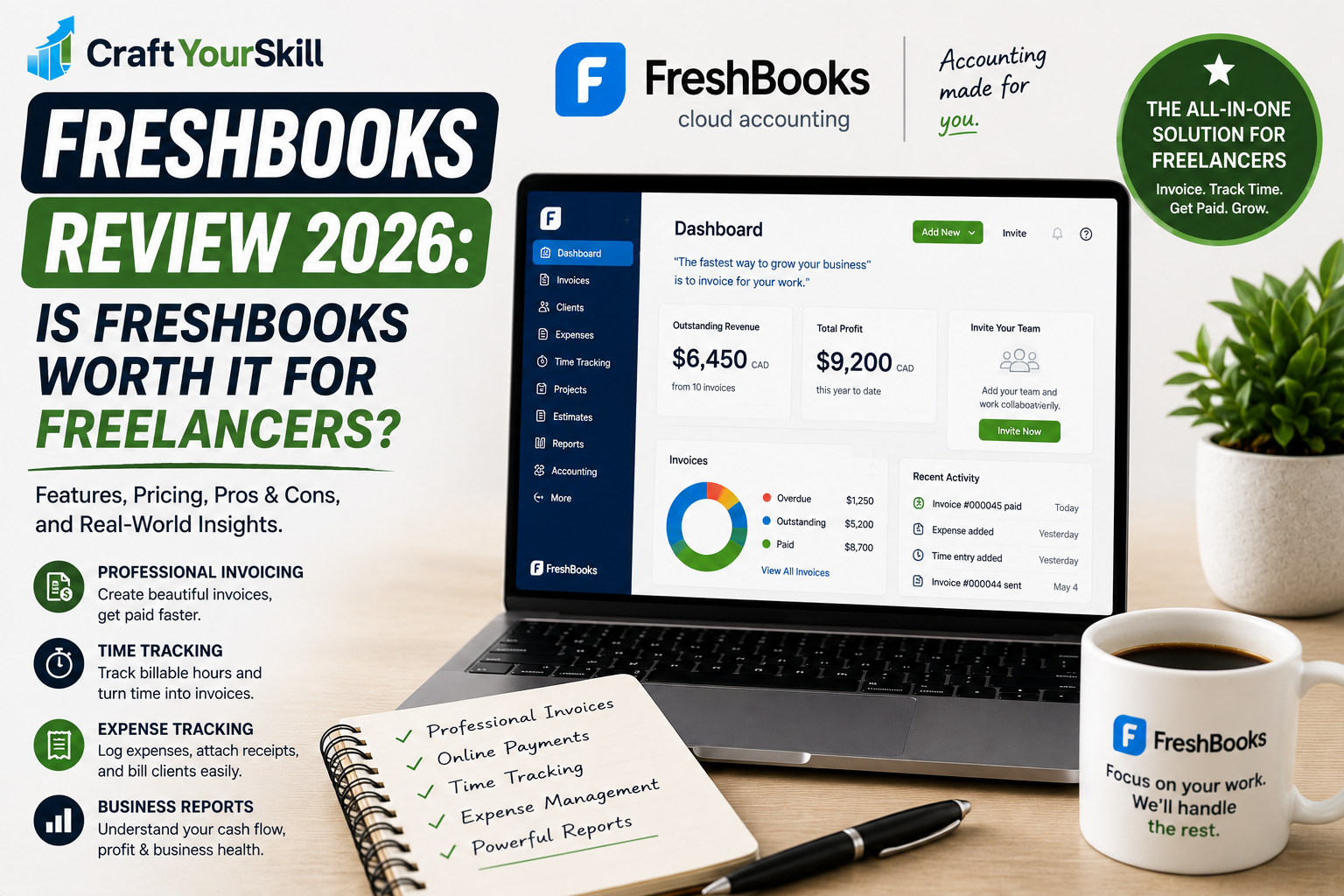
FreshBooks is primarily an accounting and financial management platform for small businesses, freelancers, and service providers.
Its strongest areas include invoicing, payments, expenses, time tracking, financial reports, estimates, proposals, and accounting-related workflows.
FreshBooks emphasizes making financial administration easier for business owners who don’t necessarily want to become accounting experts.
For freelancers, that can be especially useful when the business starts becoming more financially complex.
FreshBooks lets users track expenses, create invoices, accept payments, generate reports, track time, and manage clients from one platform.
Its time tracking is also closely connected to invoicing. You can track billable hours and then use those hours when creating an invoice, reducing the chance of forgetting billable work.
Bonsai vs FreshBooks: Pricing
Pricing is one of the biggest differences between these platforms.
Bonsai pricing
Bonsai currently offers several plans:
- Basic: $9/user/month when billed annually
- Essentials: $19/user/month when billed annually
- Higher-tier plans are available for businesses that need additional functionality.
The Basic plan is focused on project and client management, with time tracking, tasks, CRM, unlimited projects, unlimited clients, and mobile apps.
The Essentials plan is where Bonsai becomes more relevant as a complete freelance business platform because it adds invoicing, payments, proposals, and contracts.
FreshBooks pricing
FreshBooks currently lists:
- Lite: $23/month
- Plus: $43/month
- Premium: $70/month
- Select: Custom pricing
FreshBooks is currently promoting substantial introductory discounts, including a $1/month first-year offer for the Lite plan and discounted Plus and Premium plans for new customers.
However, freelancers should pay attention to the regular price after the promotional period, rather than making a decision based only on the introductory offer.
Which is cheaper?
At standard pricing, Bonsai can be less expensive for a freelancer who wants a combination of project management, time tracking, client management, proposals, contracts, and invoicing.
FreshBooks can make more sense when accounting and financial management are more important than having an extensive client-workflow system.
Bonsai vs FreshBooks for Invoicing
Both platforms are strong invoicing options, but their approaches are slightly different.
Bonsai’s invoicing system is closely connected to projects and time tracking. You can add tracked time and billable expenses to invoices, and Bonsai supports invoice customization and online payments.
This makes sense for freelancers who bill based on projects or hours.
FreshBooks is particularly strong when invoicing is a central part of your financial workflow. It supports recurring invoices, payment reminders, online payments, deposits, and multiple payment options.
FreshBooks also lets freelancers turn tracked time and expenses into invoices, making it useful for consultants, designers, developers, writers, and other hourly service providers.
Winner for invoicing: FreshBooks, especially if invoicing and payments are your primary concern.
Winner for invoicing as part of a complete freelance workflow: Bonsai.
Bonsai vs FreshBooks for Proposals and Contracts
This is an area where Bonsai has a significant advantage.
Bonsai is designed around winning and managing client projects. Its proposal system lets freelancers create proposals, outline project scope, establish pricing, and offer package options.
It also supports contracts and electronic signatures.
The workflow is particularly useful because a proposal can lead directly into the next stage of the client relationship. Bonsai currently supports automatically creating an invoice after a proposal is accepted.
FreshBooks also supports proposals and estimates, particularly on higher-tier plans, but its overall product philosophy is more centered around financial management.
If your workflow looks like:
Lead → Proposal → Contract → Project → Time Tracking → Invoice → Payment
Bonsai is arguably the more natural fit.
Winner: Bonsai
Bonsai vs FreshBooks for Time Tracking
Both platforms support time tracking.
With Bonsai, time tracking is integrated into projects and tasks. You can track hours against client work and then use those entries for billing. Bonsai also supports billable rates and project-specific rates.
FreshBooks also offers time tracking through its web and mobile experience and can turn tracked hours into invoices.
For a freelancer who simply wants to track hours and invoice clients, either platform should work well.
The difference is the surrounding workflow.
Bonsai makes time tracking feel like part of project management, while FreshBooks makes it feel more connected to billing and financial administration.
Winner: Bonsai for project-based freelancers; FreshBooks for billing-focused freelancers.
Bonsai vs FreshBooks for Project Management
This is another category where Bonsai stands out.
Bonsai includes project management, tasks, time tracking, client portals, budgets, billing types, and profitability tools.
Its project profitability reporting can show revenue, costs, and profitability for projects, which is useful when you’re trying to understand whether a client or project is actually worth your time.
FreshBooks does include project-related features, but its core strength remains financial management.
If you’re managing several client projects simultaneously, Bonsai gives you more of the operational infrastructure you need inside the same platform.
Winner: Bonsai
Bonsai vs FreshBooks for Expense Tracking
Both platforms can handle business expenses.
Bonsai allows freelancers to categorize expenses, attach receipts, connect financial accounts, track expenses against projects, and add billable expenses to client invoices.
Bonsai also supports automatic expense imports from connected bank accounts or credit cards in supported regions.
FreshBooks provides expense tracking as part of its broader accounting platform. Depending on the plan, features include receipt scanning, expense tracking, bank account imports, and expense categorization.
For basic freelancer expense tracking, both are capable.
For deeper accounting and financial administration, FreshBooks has the edge.
Winner: FreshBooks
Bonsai vs FreshBooks for Accounting
This is probably the most important distinction between the two products.
Bonsai has expanded its financial capabilities considerably. Its bookkeeping features include expense tracking, revenue reporting, financial dashboards, and integrations with accounting platforms such as QuickBooks Online and Xero.
It can also provide financial and project reporting, including profitability and budget information.
However, FreshBooks has a longer-established focus on accounting and financial management. Its platform includes accounting reports, expense management, invoicing, payments, tax-time reports, and accountant access on applicable plans.
So if you’re looking for software primarily to help run the financial side of your business, FreshBooks is the stronger choice.
If you want financial tools integrated into a broader freelance operating system, Bonsai becomes more attractive.
Winner: FreshBooks
Bonsai vs FreshBooks: Ease of Use
Both platforms are designed to be easier to use than traditional accounting software.
But they simplify different things.
Bonsai simplifies running a client-service business. Its interface brings projects, clients, tasks, contracts, proposals, time, invoices, and expenses into one environment.
FreshBooks simplifies running the financial side of a small business. The platform is particularly appealing to freelancers who want professional invoices, expense tracking, payments, and financial reports without dealing with an overly complicated accounting system.
Your preferred workflow should therefore determine which interface feels easier.
If you frequently move from proposals to contracts to projects, Bonsai may feel more intuitive.
If you mostly need invoices, expenses, payments, and accounting reports, FreshBooks may feel more straightforward.
Bonsai vs FreshBooks: Which Is Better for Different Types of Freelancers?
Choose Bonsai if you’re a project-based freelancer
Bonsai is especially appealing for:
- Freelance designers
- Web developers
- Marketing consultants
- SEO consultants
- Copywriters
- Creative agencies
- Coaches and consultants
- Small service businesses
It’s particularly useful when a project involves several stages and you want to manage those stages from one platform.
Choose FreshBooks if finances are your priority
FreshBooks may be the better choice if you primarily need:
- Professional invoicing
- Expense tracking
- Online payments
- Time tracking
- Financial reporting
- Accounting tools
- Tax-time reports
- Accountant collaboration
It’s also a strong choice if you expect your business to become more financially complex over time.
Bonsai vs FreshBooks: Pros and Cons
Bonsai Pros
Bonsai’s biggest strength is its ability to bring the client lifecycle together.
Pros:
- Strong freelancer-focused workflow
- Proposals and contracts
- Project management
- Time tracking
- Invoicing and payments
- Client portal
- Expense tracking
- Project profitability
- CRM features
- Mobile apps
- Integrations with accounting platforms
Bonsai Cons
Bonsai isn’t necessarily the best choice for someone looking primarily for traditional accounting software.
Its broader feature set can also be unnecessary if you only need to send invoices and track expenses.
And while Bonsai has bookkeeping and financial reporting capabilities, freelancers with more advanced accounting requirements may still want a dedicated accounting platform or integration.
FreshBooks Pros
FreshBooks is particularly strong on the financial side of freelancing.
Pros:
- Excellent invoicing
- Strong expense tracking
- Time tracking
- Online payments
- Recurring invoices
- Financial reports
- Tax-time reporting
- Accountant access
- Estimates and proposals
- Mobile access
- Easy-to-understand interface
FreshBooks Cons
The main disadvantage for some freelancers is that FreshBooks can become more expensive as your needs increase.
Some features are also restricted to higher-tier plans, so freelancers should compare the features they actually need against the plan price rather than simply choosing the cheapest option.
It also isn’t as project-workflow-focused as Bonsai.
Bonsai vs FreshBooks: Which One Should You Choose?
There’s no universal winner because Bonsai and FreshBooks solve slightly different problems.
Choose Bonsai if you want an all-in-one freelance business platform. It’s particularly strong when you need proposals, contracts, project management, time tracking, client management, invoicing, and profitability tracking in one place.
Choose FreshBooks if you want a stronger financial management and accounting platform. It’s especially compelling when invoicing, expenses, payments, financial reports, and accounting are at the center of your workflow.
For a freelancer just starting out, Bonsai can be attractive because it combines so many parts of the client workflow.
For an established freelancer who already has a project management system and primarily wants better accounting and invoicing, FreshBooks may make more sense.
Our verdict
Bonsai is the better choice for managing the complete freelance client workflow, while FreshBooks is the better choice for freelancers who prioritize accounting and financial management.
If you want one platform to take a client from proposal to contract to project to invoice, Bonsai has the advantage.
If your biggest headache is keeping invoices, expenses, payments, and financial records organized, FreshBooks is likely the better fit.
Final Recommendation
Bonsai and FreshBooks are both strong freelance business tools, but they should not be viewed as identical products.
Bonsai is essentially designed around the freelance business relationship—finding a client, winning the project, managing the work, tracking time, billing the client, and monitoring profitability.
FreshBooks is designed more around the financial side of running a service business—invoicing, payments, expenses, accounting, and financial reporting.
For CraftYourSkill readers who are building a freelance business and want to consolidate their client workflow, Bonsai is the stronger all-in-one choice.
For freelancers who already have their project-management workflow in place