For freelancers, getting the work done is usually easier than managing everything that comes afterward. Invoices need to be created, expenses need to be tracked, clients need to be reminded about unpaid bills, and financial records need to stay organized for tax season.
That is where invoicing and accounting software can make a significant difference.
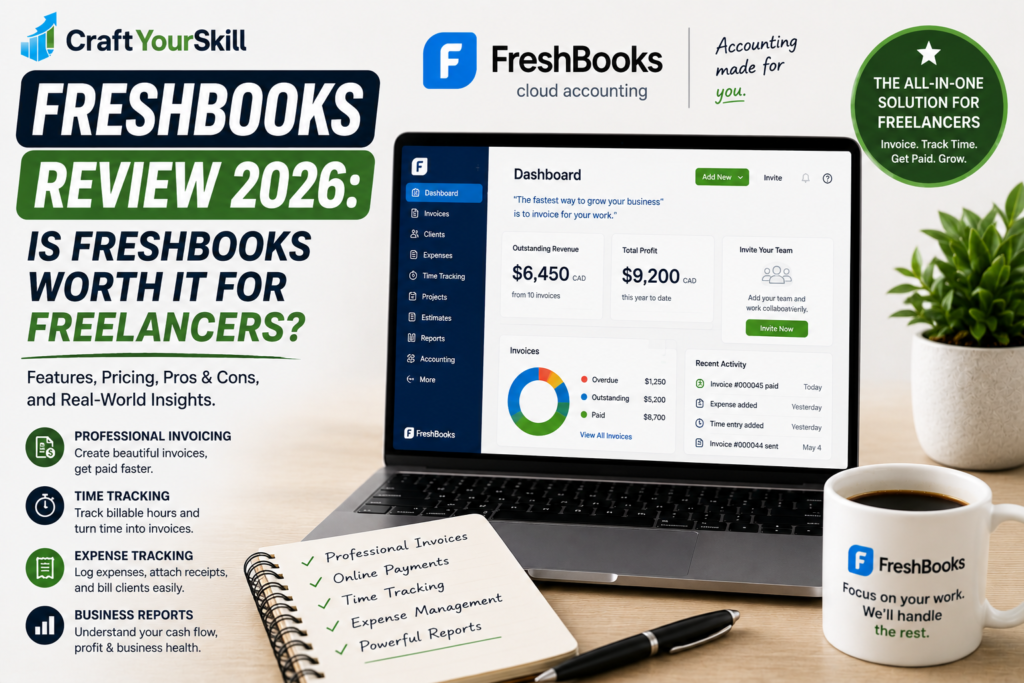
FreshBooks is one of the better-known platforms designed specifically around small businesses, self-employed professionals, and freelancers. Rather than focusing exclusively on accounting, it combines invoicing, payments, expense tracking, time tracking, projects, reporting, and other business-management features in one platform.
But is FreshBooks actually worth paying for as a freelancer in 2026?
The answer depends largely on how you work. FreshBooks can be particularly useful if you regularly invoice clients, bill by the hour, track reimbursable expenses, or want to keep basic accounting and client management in one place. However, freelancers who only need to send an occasional invoice may find the subscription harder to justify.
Let’s take a closer look.
What Is FreshBooks?
FreshBooks is cloud-based accounting and invoicing software designed primarily for small businesses and self-employed professionals.
The platform has evolved beyond basic invoicing. Today, FreshBooks offers tools for creating invoices and estimates, accepting online payments, tracking time and expenses, managing projects, generating reports, and handling various accounting tasks.
For a freelancer, the biggest advantage is the way these functions connect.
For example, if you are a freelance designer charging an hourly rate, you can track the time spent working on a project and then use that information when preparing an invoice. Similarly, expenses associated with a project can be recorded and added to the client’s invoice.
This reduces the need to move information between separate spreadsheets, time-tracking apps, and invoicing platforms.
FreshBooks Pricing in 2026
FreshBooks currently offers several subscription levels, with the exact price depending on your country and billing arrangement. In the United States, the standard list prices shown by FreshBooks are currently $23/month for Lite, $43/month for Plus, and $70/month for Premium, before promotional discounts. FreshBooks also offers a Select plan for businesses with more advanced requirements.
FreshBooks currently provides a 30-day free trial, allowing users to test the platform before committing to a subscription.
The Lite plan is aimed at freelancers with a relatively small client base. It allows invoices for up to five clients and includes expense tracking, estimates, online payments, and tax-time reporting.
The Plus plan increases the client limit to 50 and adds features such as proposals, retainers, expense receipt scanning, more advanced reporting, and accountant access.
The Premium plan removes the client limit and adds features such as project profitability tracking and additional invoice customization.
FreshBooks also offers additional paid features, including team-member accounts, Advanced Payments, and payroll.
One important point for freelancers is that promotional pricing can make the platform appear significantly cheaper at first. FreshBooks’ regular subscription prices are more relevant when evaluating the long-term cost of the software.
Is FreshBooks Expensive?
Compared with basic invoicing-only tools, FreshBooks is not the cheapest option.
However, comparing it purely on invoice creation can be misleading. FreshBooks combines invoicing with time tracking, expense management, payments, reporting, project management, and accounting features.
If you would otherwise pay separately for several of those tools, the overall value becomes more competitive.
For a freelancer sending only a handful of invoices each month, however, a simpler and less expensive solution may make more sense.
FreshBooks Features for Freelancers
Professional Invoicing
Invoicing is still the core reason many freelancers choose FreshBooks.
The platform lets you create professional invoices, customize payment options, add tracked time and expenses, calculate taxes, and automate parts of the billing process.
Recurring invoices are particularly useful for freelancers working on monthly retainers. Instead of creating the same invoice manually every month, recurring billing can automate the process.
FreshBooks also supports payment reminders, which can help reduce the amount of manual follow-up required when clients miss payment deadlines.
For freelancers who regularly deal with late payments, this can be more valuable than it initially appears.
Online Payments
FreshBooks allows clients to pay invoices online using several payment methods. In the United States, supported options include credit and debit cards, ACH bank transfers, Apple Pay, Google Pay, and Buy Now, Pay Later, subject to eligibility.
FreshBooks lists card processing starting at 2.9% + $0.30 per transaction, while ACH transfers are listed at 1% per transaction for eligible U.S. customers.
Payment processing costs are worth considering when comparing FreshBooks with competing invoicing platforms.
Time Tracking
Time tracking is one of FreshBooks’ stronger features for freelancers who bill hourly.
You can start a timer while working on a client project and then use the recorded hours when preparing an invoice. FreshBooks also supports time tracking through its mobile app and Chrome timer, as well as integrations with platforms including Asana, Basecamp, Trello, and Teamwork.
This creates a straightforward workflow:
Track your time → review your hours → add them to an invoice → send the invoice → get paid.
That workflow can be particularly useful for consultants, developers, designers, marketers, writers, and other freelancers who charge by the hour.
Expense Tracking
Freelancers often lose money simply because they forget to record business expenses or fail to bill clients for reimbursable costs.
FreshBooks addresses this with expense tracking and receipt management. The platform can capture receipts, categorize expenses, import certain financial data, and mark expenses as billable to clients.
For example, a freelance consultant who travels for a client can record travel expenses and potentially include eligible costs on the client’s invoice.
This makes FreshBooks more useful than a standalone invoice generator because it connects expenses with the overall billing workflow.
Estimates and Proposals
FreshBooks also allows freelancers to create estimates and proposals before a project begins.
This can help create a more organized sales process. Instead of agreeing on a price through email and later creating an invoice from scratch, you can establish the project terms first and move through the billing process inside the same platform.
The Plus and higher plans include estimates, proposals, and client retainers.
Project Management
FreshBooks includes project-related features that can be useful for freelancers managing multiple clients.
You can connect time, expenses, billing, and financial information to projects, making it easier to understand how much work and money is associated with a particular client engagement.
Higher-tier plans also include project profitability features, which can help freelancers identify projects that consume more time than expected.
This becomes increasingly useful as a freelance business grows.
A project that generates $2,000 in revenue might look profitable on paper, but if it takes twice as many hours as expected, the freelancer’s effective hourly rate may be much lower than anticipated.
FreshBooks Accounting Features
FreshBooks is not simply an invoice generator.
The platform includes accounting capabilities and financial reports that can help freelancers understand their business finances. Its accounting tools include double-entry accounting, financial reporting, bank reconciliation, accountant access, and other bookkeeping-related functions depending on the plan.
This can be helpful for freelancers who have moved beyond the very early stages of their business.
However, there is an important distinction between having accounting features and having a complete replacement for a professional accountant.
FreshBooks can organize financial information and make reporting easier, but freelancers with complicated tax situations or more sophisticated business structures may still need professional accounting advice.
Is FreshBooks Easy to Use?
Ease of use is one of FreshBooks’ biggest selling points.
The platform is designed around small businesses rather than professional accountants, so the interface focuses heavily on practical workflows such as creating invoices, recording expenses, tracking time, and managing clients.
FreshBooks itself emphasizes simplicity and positions the software as an alternative to spending excessive time on administrative work.
For a beginner freelancer, this is important.
Accounting software can quickly become overwhelming when every task requires understanding accounting terminology. FreshBooks attempts to hide much of that complexity behind straightforward business workflows.
That does not mean every feature is immediately obvious. Once you start using advanced accounting, reporting, payments, and project features, there is more to learn. But the basic invoicing workflow is relatively straightforward.
FreshBooks Mobile App
Freelancers don’t always work from a desk, so mobile access is another useful part of the platform.
FreshBooks supports mobile access, allowing users to manage business information while away from their computer. The platform’s mobile functionality includes invoicing, expense tracking, time tracking, and other business-management tasks.
For freelancers who travel frequently or work from different locations, this can make financial administration considerably easier.
FreshBooks Pros and Cons
FreshBooks has a strong feature set, but it isn’t the perfect solution for every freelancer.
Pros
Easy invoicing: Creating professional invoices is straightforward, and invoices can incorporate tracked time and expenses.
Good freelancer workflow: Invoicing, time tracking, expenses, projects, and payments are connected rather than operating as completely separate tools.
Strong automation: Recurring invoices, payment reminders, and other automated processes can reduce repetitive administrative work.
Online payments: Clients can pay invoices online using several supported payment methods.
Expense management: Receipt tracking and billable expenses are useful for freelancers who regularly incur business costs.
Accounting features: FreshBooks can grow with freelancers who need more than basic invoicing.
Mobile access: Freelancers can manage important parts of their business while away from their computers.
Cons
It isn’t the cheapest invoicing option: Freelancers who only need simple invoices may not need the broader feature set.
Client limits on lower plans: The Lite plan is limited to five billable clients, while Plus supports up to 50.
Additional costs: Some useful functionality, such as additional team members and Advanced Payments, can require additional fees.
Advanced accounting may still require professional help: FreshBooks can support financial management, but it doesn’t eliminate the need for an accountant in every situation.
Pricing varies by region: Features, pricing, and payment options can differ depending on the country in which you operate.
Who Should Use FreshBooks?
FreshBooks makes the most sense for freelancers who want more than a basic invoice generator.
It is particularly well suited to freelancers who regularly work with multiple clients and need to track time, expenses, invoices, and payments in one place.
For example, a freelance writer working with five recurring clients could use FreshBooks to track project hours, record expenses, send monthly invoices, accept payments, and monitor financial reports without maintaining separate spreadsheets.
The same applies to consultants, designers, developers, photographers, marketing specialists, and other service-based professionals.
FreshBooks can also become more valuable when a freelancer starts using retainers or recurring billing. Instead of treating every month as a new transaction, the freelancer can build a more structured billing workflow.
Who Should Probably Look Elsewhere?
FreshBooks may be more software than a very occasional freelancer needs.
If you send one or two invoices a month and don’t need time tracking, expense management, accounting reports, or project management, paying for an all-in-one platform may not provide enough additional value.
It may also be less attractive for freelancers who already use a dedicated accounting platform and only need a lightweight invoicing tool.
The best choice depends on how much of your business administration you want to manage from one platform.
FreshBooks vs. Other Invoicing Software
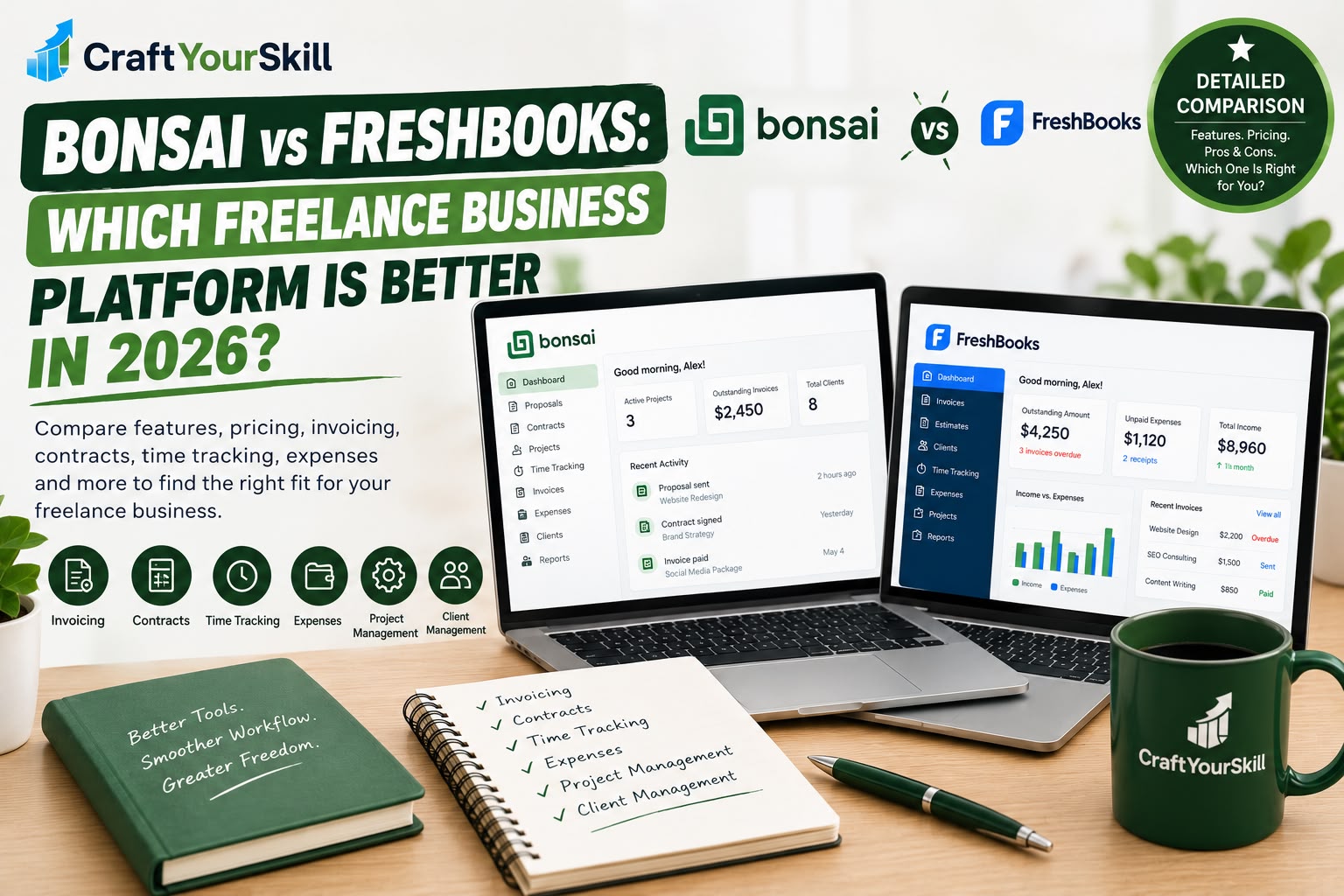
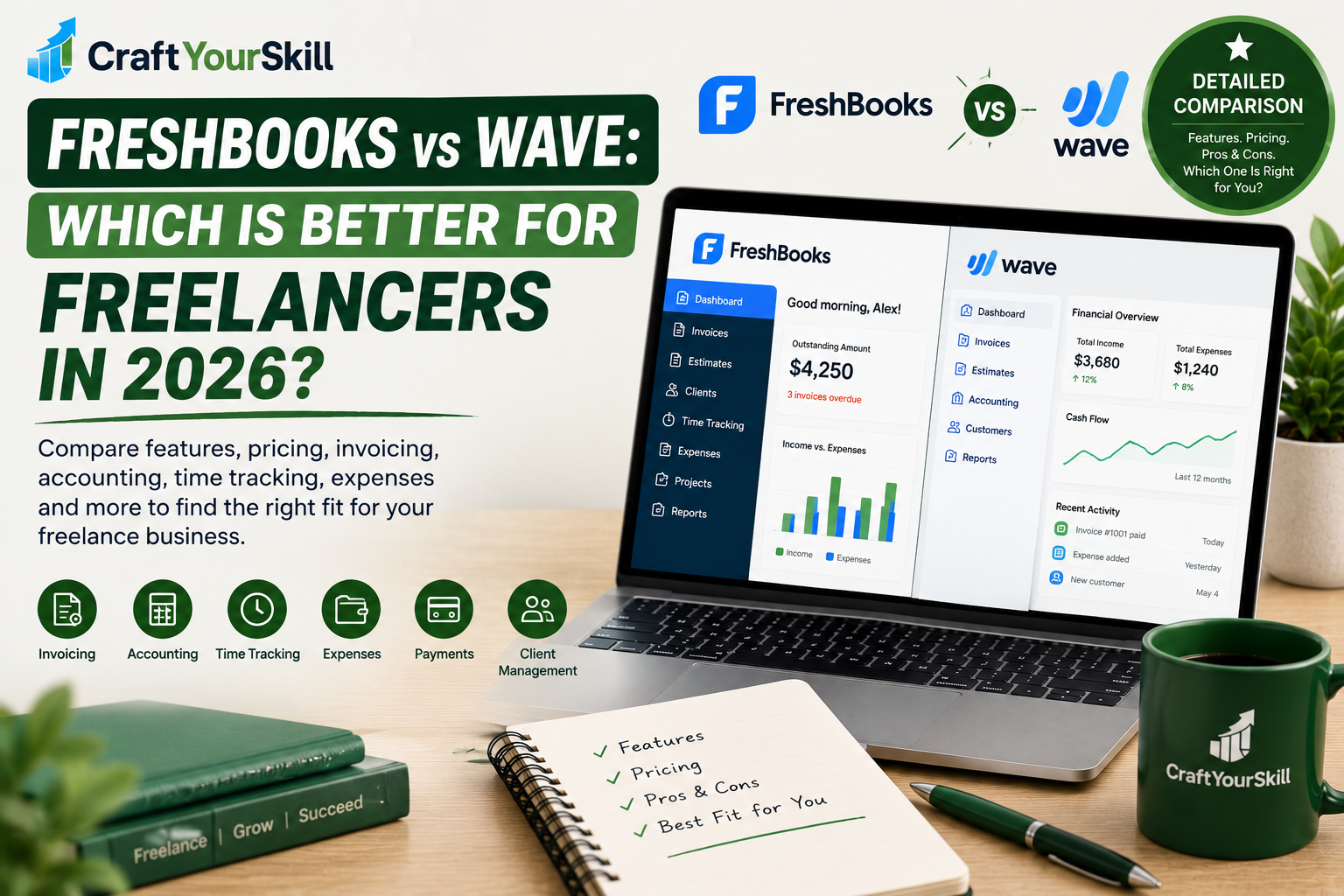
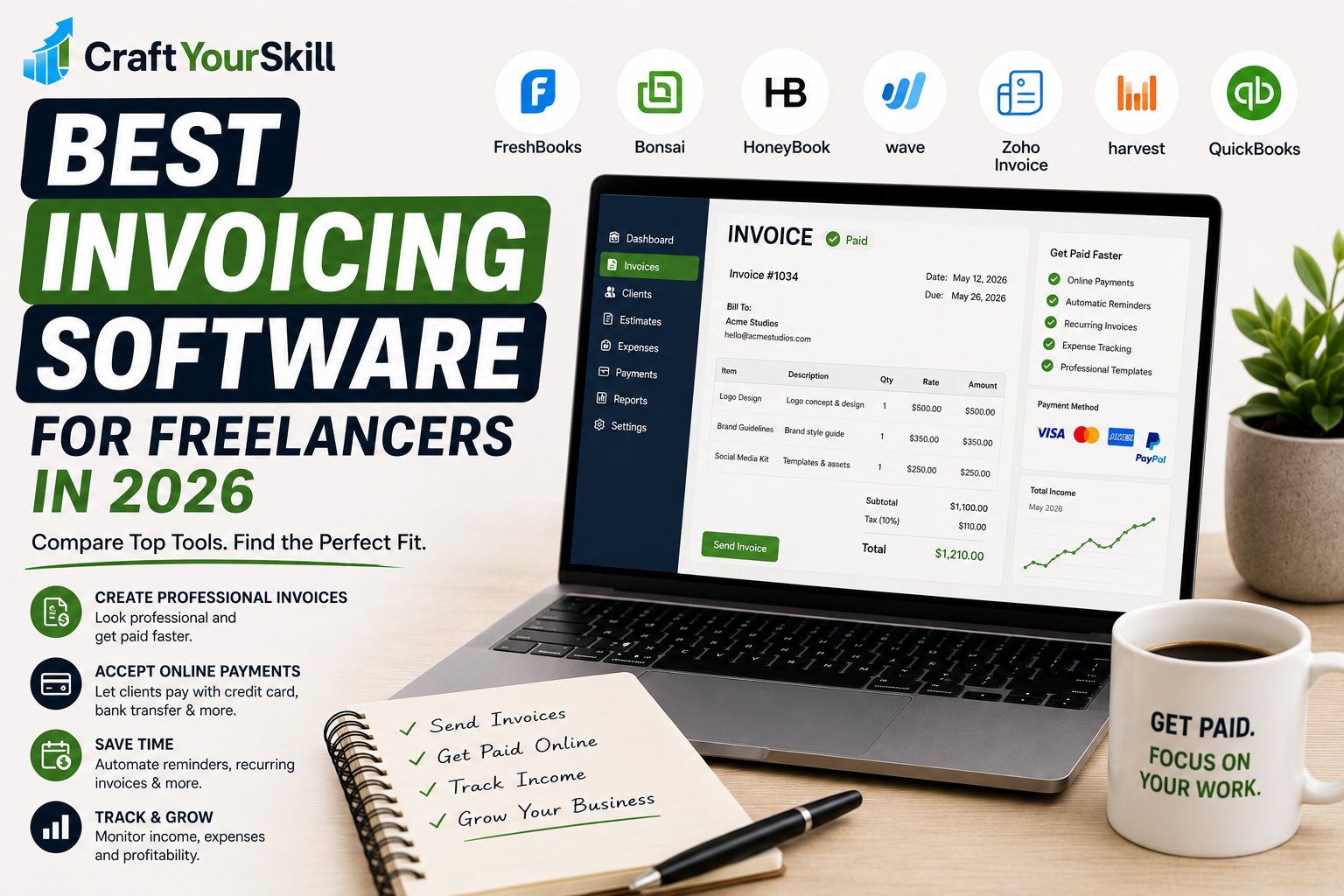
FreshBooks competes with several popular tools, including QuickBooks, Bonsai, HoneyBook, Wave, and Zoho Invoice.
The important difference is that these platforms approach the freelancer market differently.
FreshBooks sits somewhere between a simple invoicing application and a more comprehensive accounting platform. Its focus on freelancers and service businesses makes it particularly attractive to people who need invoicing, time tracking, expenses, and financial management together.
Bonsai, for example, is particularly appealing to freelancers who want contracts, proposals, project management, invoicing, and client workflows in one platform.
QuickBooks generally makes more sense for freelancers and small businesses that prioritize comprehensive accounting.
Wave can be attractive to very small businesses looking for a simpler and more budget-conscious solution.
Zoho Invoice is another option for freelancers primarily concerned with invoicing and payment collection.
This is why there isn’t one universally “best” invoicing platform. The right choice depends on whether invoicing is the main requirement or whether you want your invoicing software to become part of a broader financial management system.
Is FreshBooks Worth It for Freelancers in 2026?
For many freelancers, yes — FreshBooks is worth considering in 2026, particularly if invoicing is only one part of what you need.
Its strongest advantage is the connection between different parts of freelance administration. You can track time, record expenses, create invoices, accept payments, manage projects, and review financial information without constantly moving data between different applications.
The main question is whether you will actually use those features.
If you are building a serious freelance business with recurring clients, hourly projects, reimbursable expenses, or regular monthly billing, FreshBooks can save meaningful administrative time.
If you simply need to send an occasional invoice, a cheaper standalone invoicing tool may be enough.
The best approach is to use the 30-day trial to test the workflow with your actual freelance business. FreshBooks confirms that new accounts start with a 30-day trial with access to its features, giving you an opportunity to see whether the platform fits the way you work before paying for a subscription.
FreshBooks Review: Our Conclusion
FreshBooks is one of the stronger all-in-one options for freelancers who want invoicing and financial management in the same platform.
It isn’t necessarily the best choice for someone looking for the cheapest way to send invoices. Its real value comes from combining invoicing with time tracking, expenses, payments, projects, reporting, and accounting features.
For a growing freelancer, that can make FreshBooks much more useful than a basic invoice generator.
Rating: 4.5/5
Best for: Freelancers, consultants, agencies, and service-based professionals who want invoicing, expenses, time tracking, and accounting tools together.
Not ideal for: Freelancers who only need occasional basic invoices and want the lowest possible monthly cost.