Time is one of the few resources freelancers can never recover. Whether you’re billing clients by the hour, juggling multiple projects, or trying to understand where your workday disappears, tracking your time accurately can have a direct impact on your income.
Many freelancers start by estimating their hours at the end of the day or week. It works—until it doesn’t. Forgotten tasks, underestimated revisions, and administrative work often go unbilled, resulting in lost revenue over time.
This is exactly the problem Toggl Track aims to solve.
First launched over a decade ago, Toggl Track has become one of the most trusted time tracking platforms for freelancers, agencies, consultants, and remote teams. It focuses on making time tracking simple enough that you’ll actually use it consistently while still offering detailed reporting and integrations for growing businesses.
After testing Toggl Track across a typical freelance workflow, it’s easy to understand why it remains one of the most recommended time tracking tools in 2026. Its interface is clean, reporting is excellent, and the free plan is generous enough for many solo professionals.
It isn’t perfect, however. Depending on how you manage projects and invoices, there are situations where alternatives like Clockify or Harvest may be a better fit.
What Is Toggl Track?
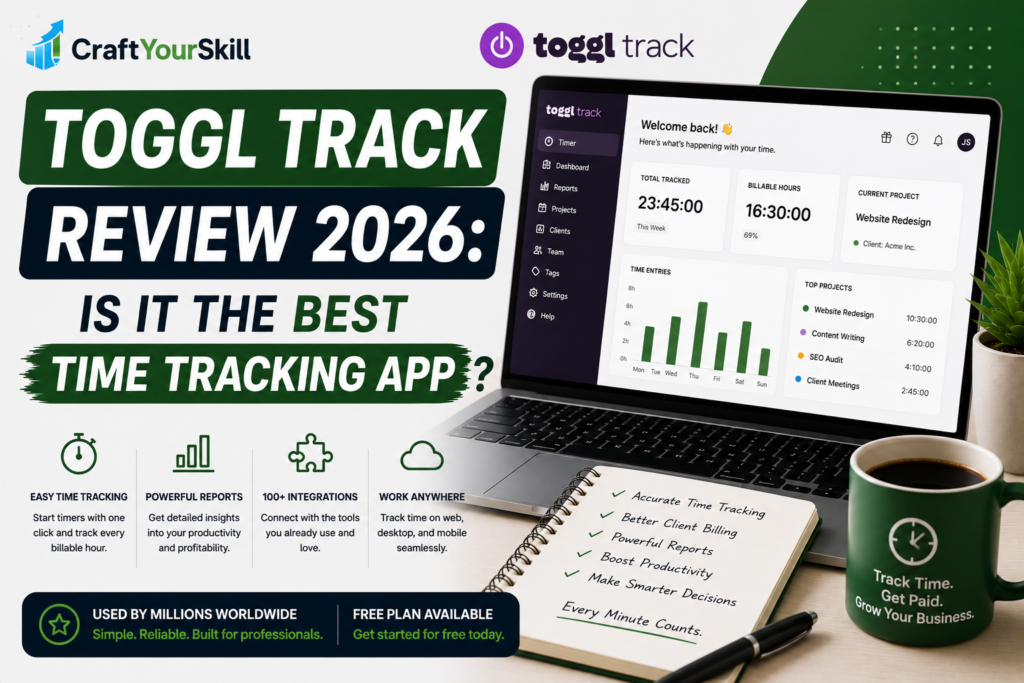
Toggl Track is cloud-based time tracking software that helps individuals and teams record working hours, organize projects, monitor productivity, and generate reports.
Unlike many project management platforms that include time tracking as an afterthought, Toggl was built specifically around tracking work as accurately and efficiently as possible.
You can use it to:
- Track billable and non-billable hours
- Organize work by client or project
- Generate detailed reports
- Estimate project profitability
- Monitor team workloads
- Export timesheets
- Integrate with project management software
Whether you work from a laptop, desktop, browser, or mobile device, Toggl keeps your tracked time synchronized automatically.
Getting Started
Creating a Toggl account takes only a few minutes.
Once inside the dashboard, you’ll be prompted to create your first workspace. From there, you can add clients, projects, and tasks before starting your first timer.
The interface is intentionally minimalist. Rather than overwhelming new users with dozens of menus and settings, Toggl places the timer front and center.
This simplicity is one of its biggest strengths.
Even if you’ve never used time tracking software before, you’ll likely feel comfortable within the first hour.
Key Features
One-Click Time Tracking
The core feature is also the simplest.
Click “Start,” work on your task, then stop the timer when you’re finished.
Each time entry can be assigned to a client, project, task, billable rate, and tag, making it easy to organize your work without adding unnecessary complexity.
If you forget to start a timer, manual entries can be added later.
Detailed Reporting
One area where Toggl consistently outperforms many competitors is reporting.
Reports allow you to analyze:
- Hours worked by client
- Project profitability
- Billable vs. non-billable time
- Daily and weekly productivity
- Team workloads (on paid plans)
These insights become particularly valuable as your freelance business grows. Instead of guessing which clients are most profitable, you can base decisions on real data.
Project Organization
Projects can be grouped under individual clients, making it easier to manage multiple contracts simultaneously.
For example, a freelance content marketer could create separate projects for blog writing, email campaigns, and SEO consulting under the same client account.
Over time, this structure creates a complete history of your work.
Integrations
Toggl integrates with more than 100 popular tools, including:
- Notion
- Trello
- Asana
- ClickUp
- Jira
- Slack
- Google Calendar
- Todoist
- GitHub
These integrations allow you to start timers directly from the applications you already use instead of constantly switching tabs.
For freelancers who spend most of their day inside project management software, this can make time tracking feel almost effortless.
Browser Extensions
One underrated feature is Toggl’s browser extension.
Instead of opening the main application, you can start timers directly from supported websites, including Trello cards, Asana tasks, and Notion pages.
It’s a small convenience, but one that encourages consistent tracking throughout the day.
Real-World Freelance Workflow
Imagine you’re a freelance SEO consultant managing three clients.
Your morning starts with keyword research for Client A. You launch the Toggl timer and assign the session to the correct project. After an hour, you switch to writing content for Client B, stop the first timer, and start a new one.
Later, you spend 30 minutes in a discovery call with a potential client. You log that separately as non-billable business development.
By the end of the week, Toggl has automatically recorded exactly how much time you spent on each client and task. Instead of estimating hours for invoices, you simply review the report and export the data.
This workflow not only saves time but also reduces billing disputes because your invoices are backed by detailed records.
Pricing
Toggl Track offers a free plan that is generous enough for many solo freelancers. It includes unlimited time tracking, projects, clients, and reporting suitable for getting started.
Paid plans unlock additional capabilities such as advanced reporting, project forecasts, saved reports, billable rates, and team management features.
For individual freelancers, the free plan is often sufficient during the early stages of a business. Upgrading becomes worthwhile as client work grows or when more detailed reporting and budgeting are needed.
What We Like
Toggl Track succeeds because it stays focused on doing one job exceptionally well.
The interface is intuitive, the learning curve is minimal, and the reporting tools provide meaningful insights without requiring hours of setup.
Another standout feature is reliability. Time tracking software is only useful if it becomes part of your daily routine, and Toggl’s simplicity makes that much easier.
Its broad integration ecosystem also means you can fit it into almost any freelance workflow, regardless of the project management tools you already use.
Where Toggl Track Falls Short
Although Toggl excels at tracking time, it isn’t an all-in-one business management platform.
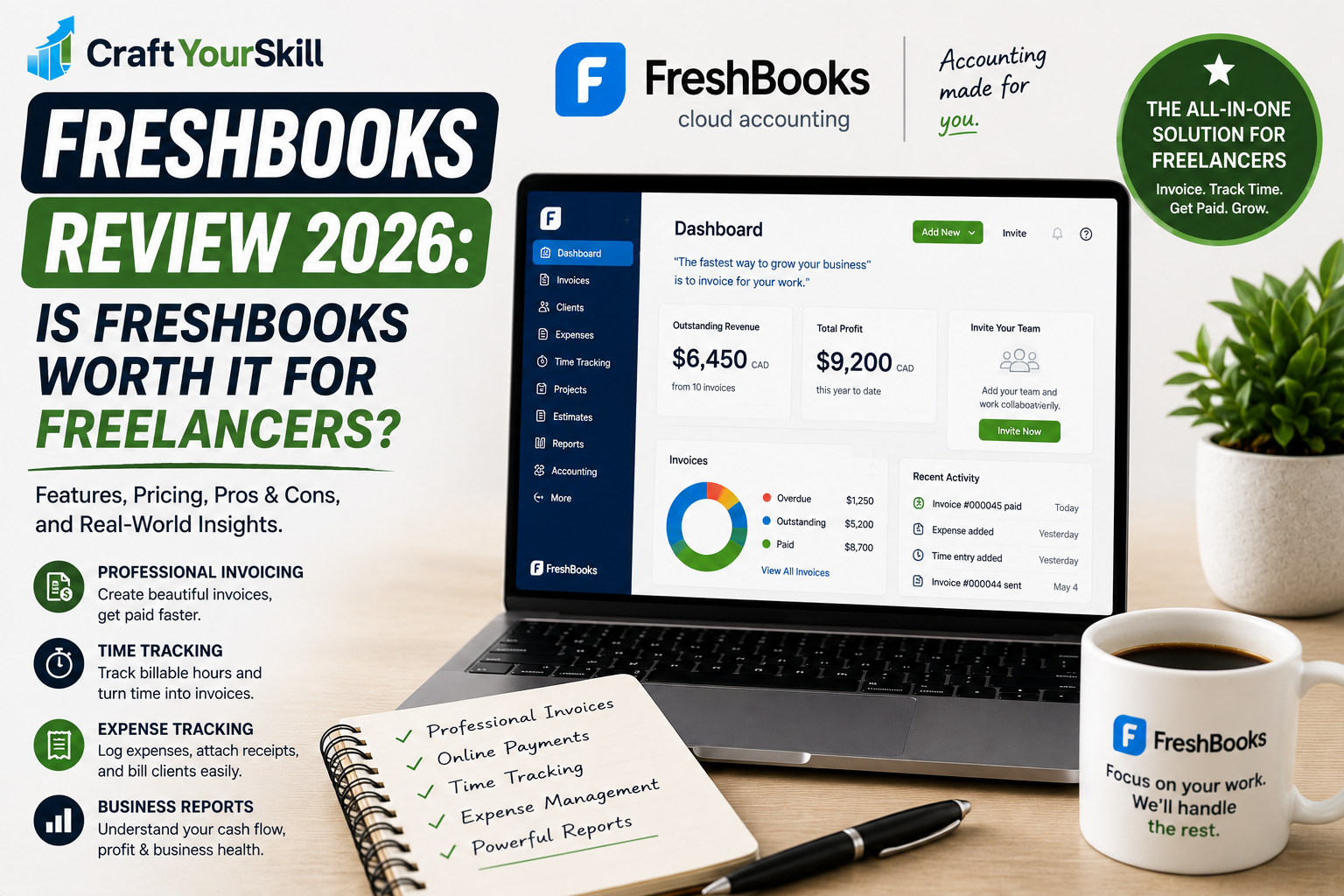
Freelancers who need advanced invoicing, accounting, or proposal management may still require separate tools such as Harvest or FreshBooks.
Similarly, businesses managing large teams might prefer platforms with more comprehensive employee monitoring or scheduling features.
These limitations aren’t necessarily flaws—they simply reflect Toggl’s focus on time tracking rather than business administration.
Toggl Track vs. Clockify
Toggl Track and Clockify are frequently compared because they target many of the same users.
Toggl generally offers a more polished user experience, cleaner reporting, and a simpler interface that appeals to freelancers.
Clockify, on the other hand, provides one of the most generous free plans available and includes features that can be particularly attractive for budget-conscious users.
If ease of use is your priority, Toggl has the edge. If minimizing software costs is more important, Clockify is a compelling alternative.
We’ll explore the differences in greater detail in our upcoming Toggl Track vs. Clockify comparison.
Who Should Use Toggl Track?
Toggl Track is an excellent choice for:
- Freelancers billing by the hour
- Consultants managing multiple clients
- Writers tracking project profitability
- Designers juggling several projects
- Developers who need accurate timesheets
- Small agencies with distributed teams
If your goal is simply to understand where your time goes and invoice clients with confidence, Toggl is one of the best options available.
Conclusion
Toggl Track continues to set the standard for freelance time tracking in 2026. Its combination of simplicity, powerful reporting, and generous free plan makes it an easy recommendation for professionals who want to understand their time and bill clients more accurately.
While it doesn’t replace dedicated accounting or invoicing software, it doesn’t try to. Instead, it focuses on one core task—tracking time—and does it exceptionally well.
For most freelancers, it’s difficult to find a better balance of usability, flexibility, and value.